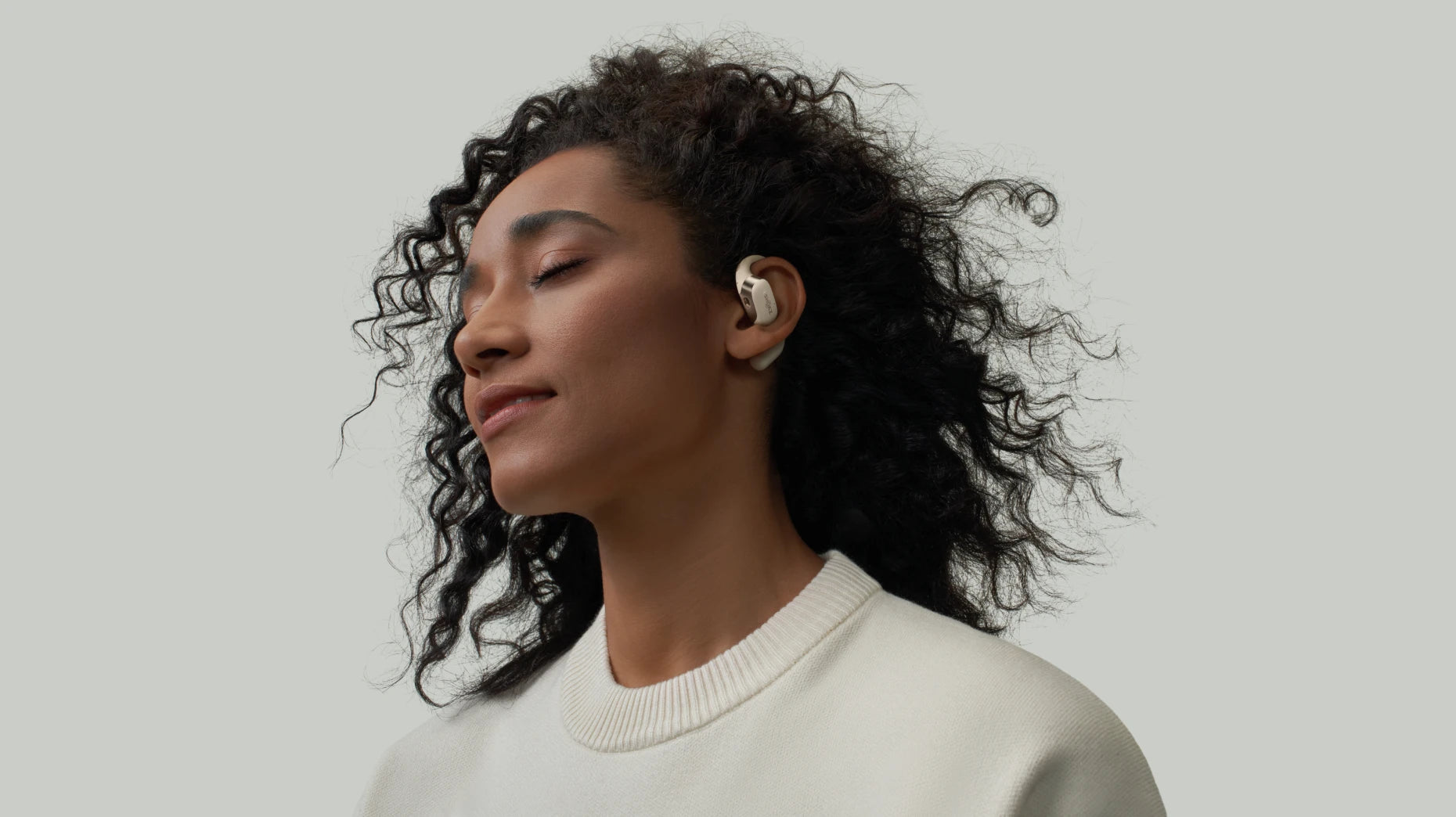
Best Headphones with Mic 2026: Lightweight and Durable Wireless Options
Don't just grab the first pair of headphones you see on a trending list. You need something that actually survives your daily grind, whether you are stuck in back-to-back Zoom calls or out on a trail. When you basically live in your headset, you need audio that doesn't crackle, a fit that won't hurt, and a frame that isn't going to snap in a month. This guide cuts through the noise to find the best wireless headphones with microphone that are actually worth your money and built to last.
5 Best Wireless Headphones with Microphone
Whether you’re commuting, powering through a long to-do list at home, or diving into a game, these five picks deliver clear sound without tiring your ears, no matter how long you wear them. Every headset here does something a bit different, so it really comes down to how you actually work and play.
1. OPENMEET
Best for all-day office calls and meeting-heavy workdays. The Shokz OPENMEET is a lifesaver if you basically live on calls. It keeps you connected even in a busy office or café. Open-back design lets you hear important cues around you while reducing listening fatigue, so long days of meetings feel less tiring. Users can focus on conversations without constantly adjusting the headset, making multitasking and back-to-back calls more manageable.
Key Features:
-
DualPitch Technology: It mixes bone and air conduction to keep voices sounding real during those never-ending calls, and it does it without plugging up your ears.
-
Dual-Microphone System: This setup knocks out about 98.6% of the background chaos so people can actually hear you in a noisy office or cafe.
-
Pressure-Free TitaniumFlex Design: The flexible plates spread the weight around, making it easy to keep these on for a full eight-hour shift.
-
Battery Life: 15 hours of use lets you get through a full day of back-to-back meetings without needing to recharge.
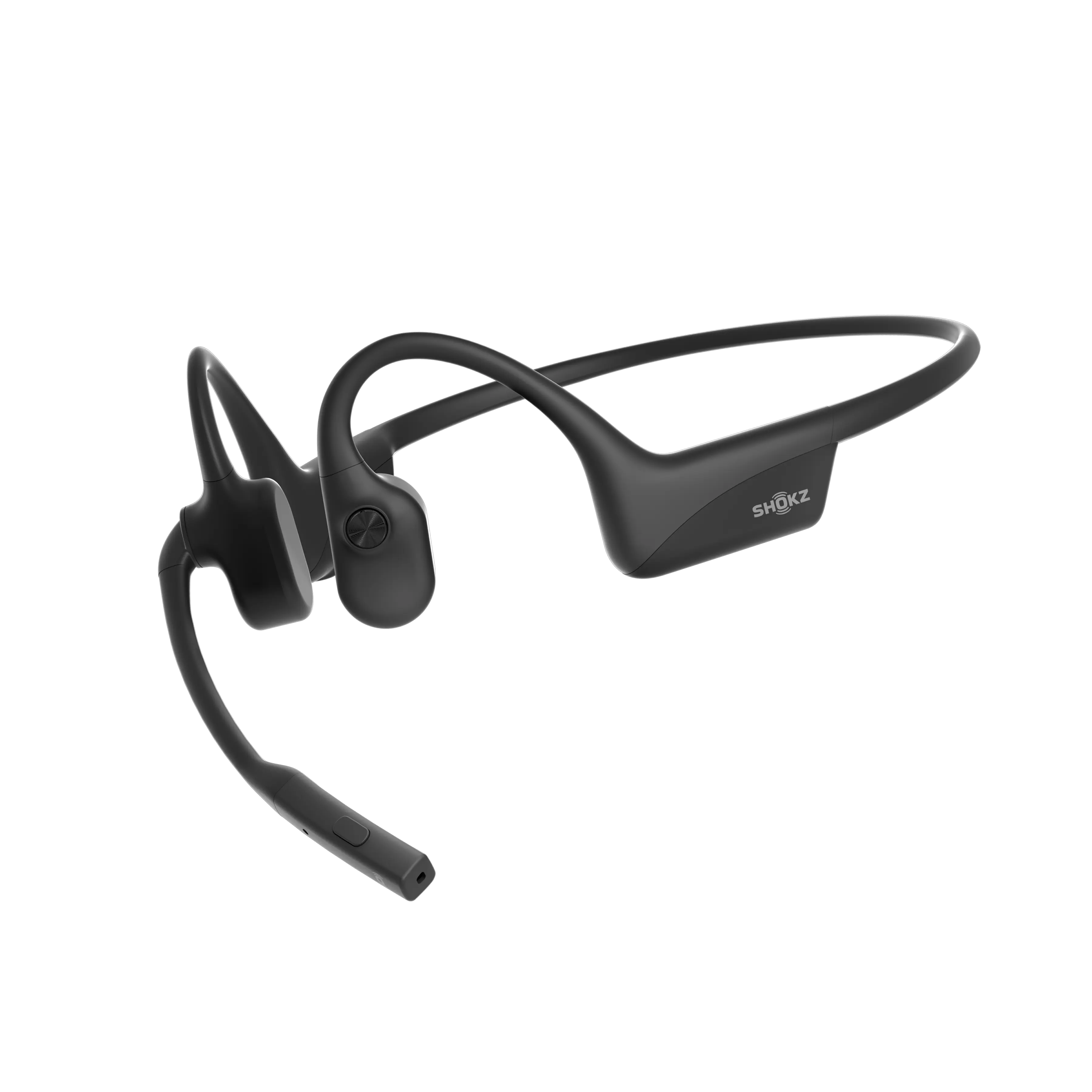
2. OPENCOMM2 2025 Upgrade
Best for mobile professionals who take calls while commuting or moving between locations. If you are a pro on the move, the OpenComm2 is the sweet spot for clear talk and comfort. The open-ear design keeps you clued into what is happening around you, while the DSP noise-canceling makes your voice pop in every meeting. It is incredibly light and ergonomic, so you won't deal with that "headphone fatigue" by 5 PM.
Key Features:
-
Lightweight Wraparound Frame: At only 35 grams, this frame cuts down on pressure so you can wear it for hours on end.
-
Battery Life: A solid 16 hours of talk time means you can power through a full workday and then some.
-
IP55 Water Resistance: It handles sweat and light rain with ease, making it a great choice for daily travel.
-
MultiPoint Pairing: Lets you swap between your phone and laptop instantly without having to mess with your settings.
3. OPENCOMM2 UC 2025 Upgrade
Best for desk-based work and frequent Zoom or Teams meetings. If the standard OpenComm2 is built for working on the move, the OpenComm2 UC 2025 is purpose-built for desk-based professionals who live in Zoom and Microsoft Teams all day. This version takes the same lightweight open-ear comfort and upgrades it with UC-certified connectivity and a dedicated USB dongle, delivering a more stable and reliable meeting experience in corporate setups.

Key Features:
-
DSP Noise-Canceling Boom Mic: You can position this mic exactly where you need it for consistent volume during long presentations.
-
PremiumPitch 2.0 Audio: Focuses on balanced speech to stop your voice from sounding distorted during long chats.
-
Bluetooth & MultiPoint Connectivity: Connect to multiple devices with up to 30 m/98 ft range, letting you move freely without dropping calls.
-
User-Friendly Controls: Easily adjust volume, mute/unmute, or manage audio with a single button, so you stay focused on calls without touching your PC or phone.
4. BlueParrott B550-XT
Best for high-noise work environments like driving, field work, or construction sites. If your "office" is the cab of a semi or a loud construction site, don't bother with dainty headsets. The B550-XT is built like a tank and blocks out 96% of background noise like nothing else. It remains clear even in high-speed driving conditions, effectively minimizing wind and road noise during calls. It is hands-down one of the best headphones with mic for the long haul.
Key Features:
-
VoiceControl Pro: Just talk to the headset to manage your calls. You keep your hands on the wheel and your focus on the road without fumbling for buttons.
-
24-Hour Talk Time: This battery is a beast and easily lasts through double shifts without needing to find a charger mid-day.
-
IP54 Durability: It is tough enough to handle dust and rain, so you don't have to baby it when you are working outdoors.
-
Extended Wireless Range: You can walk up to 300 feet away from your phone, which is perfect for checking your trailer or equipment without dropping the call.
5. BlueParrott S450-XT
Best for users who need clear calls but also listen to music or media throughout the day. The BlueParrott S450-XT is designed for professionals who need clear communication in noisy environments. Its 82% noise-cancelling microphone focuses on capturing your voice while reducing background distractions, making long calls more manageable. Ideal for meeting-heavy workflows, it helps users stay heard without fatigue or repeated clarification.
Key Features:
-
aptX™ Hi-Fi Stereo Audio: Clear sound for calls and media, making voices easier to hear in noisy environments.
-
Up to 24 Hours Talk Time: Long battery supports full workdays or extended call sessions without recharging.
-
Bluetooth Range: Connects up to 300 feet/100 meters, allowing freedom of movement without dropping calls.
-
Customizable BlueParrott Button™: Assign functions like answering calls, muting, or controlling playback for your workflow.
|
Headphone Model |
Mic / Noise Reduction |
Battery Life |
Comfort |
Best For |
|
Shokz OPENMEET |
Dual-Microphone, 98.6% noise filtering |
14 hrs talk |
Pressure-free titanium |
Office calls, meetings |
|
Shokz OPENCOMM2 2025 |
DSP Noise-Canceling Mic |
16 hrs talk |
35g, lightweight |
Mobile professionals, commuting |
|
Shokz OPENCOMM2 UC 2025 |
DSP Noise-Canceling Boom Mic |
16 hrs talk |
35g, lightweight |
Video calls, Zoom/Teams meetings |
|
BlueParrott B550-XT |
Noise-canceling, blocks 96% background noise |
24 hrs talk |
Comfortable for long shifts |
Drivers, field work, outdoor use |
|
BlueParrott S450-XT |
82% Noise-Cancelling Microphone |
24 hrs talk |
Lightweight, over-ear fit |
Professionals in noisy environments needing clear calls and long usage |
Why Choosing the Right Headphones with Mic Matters
Getting the best headphones with mic is about way more than just how the music sounds. It is really about how you come across to others and whether you can actually get your work done without a headache.
1. Enhanced Communication for Remote Work
When you work from home, clear audio is the whole game. You need a headset that locks onto your voice and ignores everything else so your team isn't constantly asking you to repeat yourself. It keeps meetings from dragging on longer than they need to.
2. Improved Gaming and Streaming Experience
If you are gaming or streaming, you live or die by your audio. A decent mic stops you from sounding like a distorted mess when things get loud, and a good set of headphones keeps you aware of your room without ruining the vibe of the game you are in.
3. High-Quality Audio Recording
If you are making podcasts or tutorials, you need a voice capture that sounds natural. Using the best wireless headphones with a microphone for recording helps filter out those annoying background distractions, saving you a ton of time in editing and making the final product sound professional.
How to Choose the Best Headphones with Mic for Your Needs
Grabbing a headset is about way more than just picking a cool model from a list. You really have to match the features to what your day actually looks like. Here is what I would focus on:
1. Identify Your Usage Scenarios
Think about your daily grind. If you’re commuting or working in a busy office, Shokz open earbuds can help you stay aware of conversations and your surroundings. For outdoor or high-noise environments, headsets like the BlueParrott B550-XT provide strong noise reduction and reliable call clarity. When a headset doesn’t match your real-world routine, it usually ends up sitting in a drawer.
2. Consider Budget and Value
Set a clear budget first. Value comes from features that fit your daily use, such as comfort, microphone clarity, and stable connectivity. Lower-cost models may be suitable for light or occasional calls, mid-range headsets generally balance performance and reliability, and higher-end options can provide better comfort and fewer interruptions during long, meeting-heavy workdays.
3. Verify Warranty and Support
Even the toughest wireless headphones can hit a snag after a few months. Do yourself a huge favor and check the warranty and the return policy before you buy anything. Brands like Shokz and BlueParrott are pretty good about support, and having that backup keeps your gear running when you use it every single day. It is basically one less thing to stress about.
Tips to Maximize Your Headphones with Mic Experience
Even the best headphones with mic need a bit of fine-tuning to really shine. Making a few small tweaks can go a long way in boosting your clarity, comfort, and how long the gear actually lasts.
1. Adjust Mic for Clearer Voice
Try to keep the mic near your mouth but slightly off to the side so you don't end up with that muffled or heavy breathing sound. Give your voice a quick test in a recording and nudge the mic around until everything sounds balanced and sharp.
2. Configure Sound Settings Correctly
Dive into your app settings or EQ to match the room you are in. If it is loud, turn up the noise suppression, but in a quiet spot, you can dial back the noise-canceling to keep things sounding natural. Just watch your volume so your voice stays clear without hitting that distorted peak.
3. Maintain Headphones for Longevity
Give the earpads and mic a regular wipe down and keep everything away from moisture. When it comes to maintaining your wireless earbuds, be sure to follow proper charging guidelines and store them in a case when not in use to prevent accidental drops or tangled cables.
FAQ
1. Are USB microphones better than built-in headphone mics?
A standalone USB microphone generally delivers better sound quality than a built-in headphone mic. It’s ideal for tasks where clarity matters, like recording, podcasting, or professional calls. For casual use like gaming or online meetings, a good headphone mic is typically sufficient.
2. Can I use headphones with mic for Zoom or Teams meetings?
Yes, in most cases. Many newer headphones work well with Zoom and Teams. As long as they can connect via Bluetooth or a USB port, they should function properly, though it’s always a good idea to check the specific headset’s compatibility with your device and software.
3. Do all wireless headphones with mic support multipoint connections?
No, not all of them support it. Multipoint Bluetooth is mostly considered a “pro” feature. Some models allow you to stay connected to both your phone and laptop at the same time, but many others still only work with one device at a time.
4. Can dual-mic headphones reduce background noise effectively?
For the most part, yes. When a headset uses two mics plus some digital tech, it gets much better at picking out your voice and dulling the noise around you. It makes a huge difference if you are working in a loud spot.
Conclusion
Picking the best headphones with mic comes down to more than just a list of specs. It is really about how the gear fits into your life and stays comfortable while you work or play. The models we covered deliver sharp audio and solid noise reduction for commuters, gamers, and remote workers alike. Once you pin down what you actually need—like an open-ear fit or bone conduction tech—you can grab a headset that makes every call easier without having to settle for less.
Author Information

guides on Shokz
Related Posts