How to Make Headphones Louder for Music, Calls, and Videos
Headphones that sound too quiet can drive you up the wall. You turn the volume all the way up and nothing really changes. Music still feels flat, or voices sound like they’re hiding somewhere in the background. It doesn’t help that different devices handle audio in different ways. After acknowledging that loudness problems aren’t always solved by simply pushing the slider up, it helps to step back and figure out what’s actually causing the volume drop. A lot of headphone frustration isn’t about raw volume at all. That’s why this guide takes a full-spectrum look at the possible reasons your headphones sound quiet and shows you how to make headphones louder in practical, effective ways.
Why Is My Headphone Volume So Low?
Headphones don’t always sound quiet because they’re old or cheap. Volume can drop for a few everyday reasons.
Audio Settings
Phones, laptops, and music apps often have built-in volume restrictions or “safe listening” limits enabled by default. Some music apps also keep a separate volume control, so even if your device is at full power, your app may not be.
Dirt and Debris Impact
Earbuds and headphone grills collect dust, lint, or earwax over time. It doesn’t take much to block a speaker port. The result is a muffled sound that feels like a sudden drop in volume.
Audio File Quality
Low-bitrate songs, highly compressed videos, and streaming on poor connection can all sound softer. If you’ve ever switched from a YouTube upload to a higher-quality file and thought, “That sounds way louder,” that’s why.
Steps for Making Your Headphones Louder
Still wondering how to make your headphones louder? Not all fixes require new gear. Most volume problems can be solved with simple tweaks.
Confirm Device Volume Settings
Check your device, the app you’re using, and any “volume limit” settings. Some phones hide these under accessibility or safety menus.
Inspect Headphone Connections
Loose jacks, low battery, or weak wireless link can all reduce perceived volume. Re-pair Bluetooth devices if things sound off.
Update Audio Drivers or Apps
Software bugs sometimes cap output. OS updates, audio driver refreshes, or switching to a newer app version can restore lost volume.
Adjust EQ Mode
A small boost to mids or highs can instantly make wireless headphones sound louder without pushing volume dangerously high.
Clean Earbuds and Speakers
Using a dry brush, toothpick, or soft cloth is often enough to clear blocked ports when learning how to clean earbuds properly. Don’t use liquids unless the headphones are rated for it.
Use High-Quality Audio Files
Higher bitrate or lossless audio carries much more dynamic range. This is one of the simplest ways to make your headphones louder without messing up the hardware.
Enable Safe Audio Enhancement
Some operating systems offer safe “enhancement” tools that raise vocal clarity or boost low frequencies. They’re milder than force-boosting apps, which can distort sound.
Choose Headphones with Clear Audio
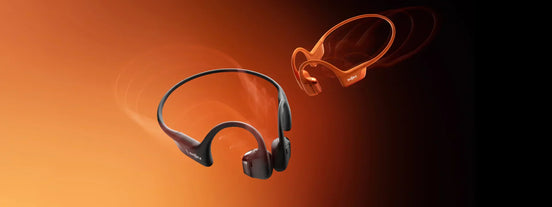
Some headphones simply handle loud output better than others. Thanks to efficient drivers and spatial processing, Shokz earbuds often sound fuller even at lower volume, making the following picks especially worth a closer look.
OpenDots ONE
OpenDots ONE doesn’t try to overpower your ears with sealed tips. The speakers sit outside the ear canal, which oddly helps speech, podcasts, and melodies stay audible. They’re basically for people who want clearer audio without blocking out the world or wrestling with earbuds that won’t stay put. Not necessarily studio gear, just easy to live with.
Key Features:
-
Two drivers handle different parts of the audio, so vocals don’t get buried when the beat kicks in.
-
Dolby tuning sharpens small details, which makes mids pop even in noisy streets.
-
The clip-on frame keeps the sound aimed at the right spot, instead of drifting away when you move.
-
Built-in EQ profiles can nudge volume without turning everything harsh or metallic.
Very lightweight, so long listening doesn’t feel punishing (no sore ears = less fiddling)
-
Multipoint pairing helps avoid that constant reconnect issue.
OpenFit 2+
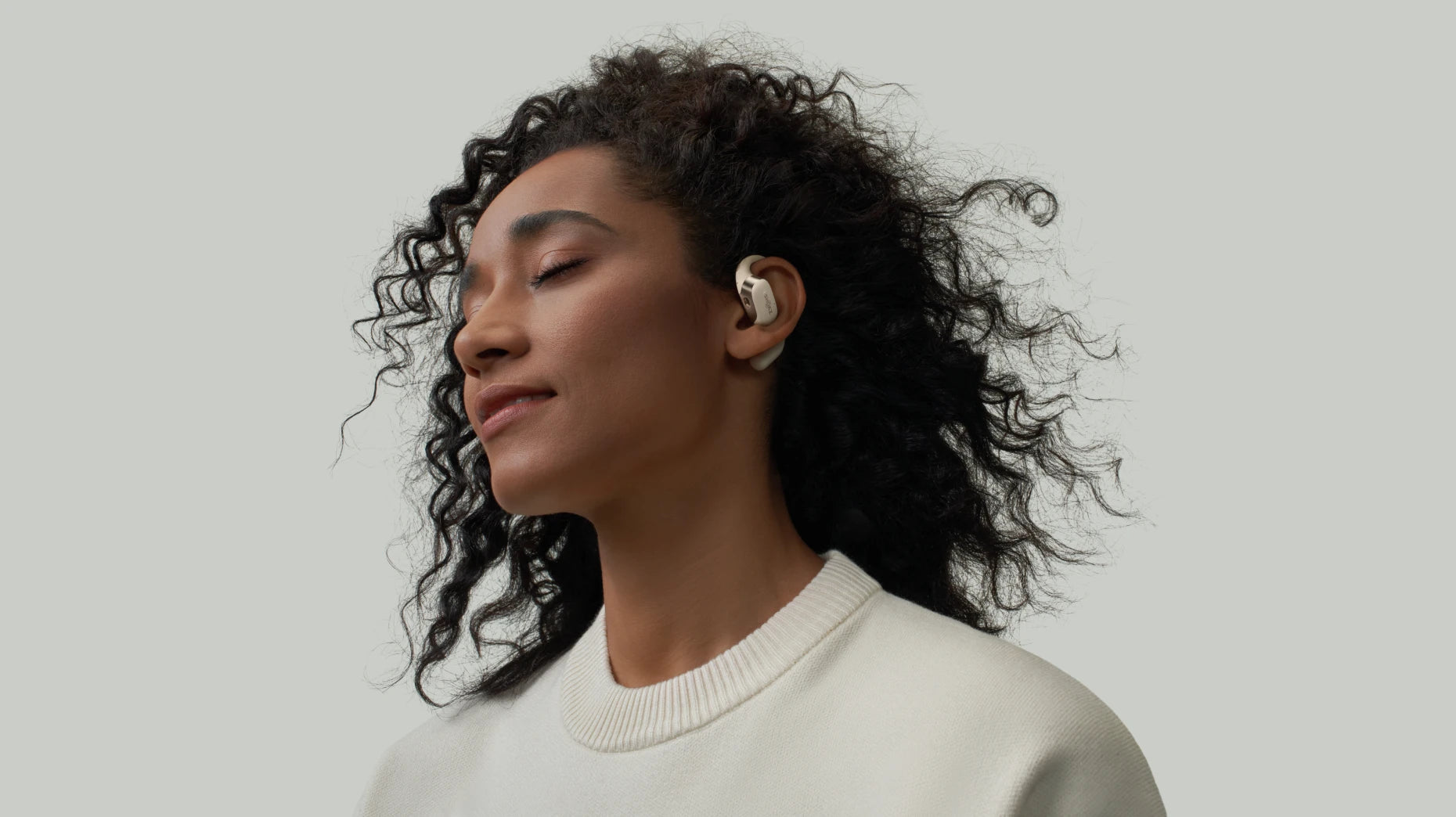
OpenFit 2+ is built around comfort and clarity, especially for people who dislike earbuds sitting inside the ear canal. Instead of sealing sound in, the open design projects audio cleanly toward the ear. It is best for daily use, long calls, speech-heavy content, and listeners sensitive to ear pressure.
Key Features:
-
DualBoost™ processing gives audio more presence without cranking the volume.
-
Dolby Audio adds dimensional detail that makes sound feel larger and cleaner.
-
Physical buttons provide precise volume adjustments while moving.
-
Secure ear hooks keep audio consistent even during workouts.
-
With headphones that charge fast, quick charging ensures you won’t run out of power just as things get loud.
-
Multipoint pairing ensures stable output when switching between devices.
Maintain Safe Listening Duration
Even if you make your headphones louder, long stretches at high volume can cause fatigue. Short breaks help your ears reset.
How to Choose Headphones with Volume Boost Features
Some headphones are simply designed to sound louder and clearer than others.
High-Sensitivity Drivers Matter
High sensitivity means better output with less power. This helps if you often ask, "How can you make Bluetooth headphones louder?"
Built-In Volume Boost
Some models include vocal enhancement, bass expansion, or spatial processing that makes audio feel louder without being harsh.
Battery Life Consideration
Enhanced audio features draw more power. Longer battery life ensures you can use higher volume without running flat halfway through the day.
Comfortable Long Listening
If headphones feel tight or intrusive, loud sound becomes uncomfortable fast. Comfort is part of perceived loudness.
Frequency Range and Clarity
Headphones with well-controlled bass and clean mids often “feel louder” because they don’t drown in low-end rumble.
Tips for Protecting Your Hearing While Using Headphones
It’s pretty common for people to chase louder sounds without thinking much about what it does to their ears. Here are some tips to safely use your headphones.
Keep Volume Below Safe Levels
Keeping the volume at about 60% is a decent starting point. It isn’t a rigid scientific rule, just a reminder that ears don’t love long marathons of loud sound.
Limit Continuous Listening Time
Volume isn’t the only thing that matters. Your ears work constantly to interpret sound, and long sessions take a toll even when the volume feels reasonable. It is recommended that the continuous use of headphones not exceed one hour.
Use Noise-Canceling Headphones Wisely
Active noise cancelling isn’t harmful by design. The issue is how people react to it. A quiet environment can make you reach for more volume to feel something, especially with bass-heavy tracks.
Choose Properly Fitted Ear Tips
Bad fit causes people to crank volume way past what they normally need. With in-ear designs, a loose seal leaks bass and dulls everything else, so listeners slowly nudge the volume higher.
Take Regular Listening Breaks
Humans aren’t built for constant, uninterrupted noise. The inner ear actually recovers pretty quickly when given a pause. A break doesn’t need to be dramatic, switching headphones for speakers, driving in silence for a minute, or just letting your playlist end naturally makes a difference.
Common Myths about Headphone Volume
Here are a few of the big myths that pop up again and again, and why they don’t really hold up once you look at them without panic or bravado.
High Volume Damages Hearing
This one is technically true, but people repeat it in the least helpful way possible. The thing nobody mentions is that long exposure is usually worse than one big moment. What happens is you listen all day, every day, without rest, and the tiny hair cells inside your ear don’t fully recover.
Noise Cancelling Increases Loudness
ANC is actually supposed to help you listen quieter, because it removes the stuff you’d normally try to overpower, engines, fans, café chatter. ANC will not turn the volume loud, but when all that background noise suddenly disappears, your brain interprets the remaining audio as more pronounced.
Volume Boost Harms Audio
Now, a lot of headphones and apps handle “boost” differently. They lift parts of the audio that make speech or instruments easier to hear, so you feel like the mix is bigger without pushing unsafe levels.
Long Listening Is Safe
People assume that if the volume is “not loud,” it’s automatically harmless, but the ear doesn’t care what you think is harmless. Hours of moderate loudness can also cause strain. Your ears actually recover pretty well if you give them space to breathe.
FAQ
What volume should headphones be?
About 50–60% is the most acceptable level. This range keeps the sound clear without putting long-term strain on your ears.
Is listening to music at 100 dB bad?
Pretty much. That level can cause issues in minutes, not hours. At that intensity, your ears simply don’t get enough time to recover.
How loud can the loudest open-ear headphones get?
Loud enough to hear clearly outdoors, but these designs focus on clarity, not maximum output. They’re built to stay comfortable and safe rather than push extreme volume.
Do headphones lose volume over time?
Yes, headphones can lose volume over time. This is because of wear on the drivers or cable connections. Dust, moisture, and repeated use can also affect sound output and clarity.
Conclusion
Turning everything to maximum isn’t always the fix. Sometimes loud just becomes messy, especially if the original audio file was compressed or the drivers can’t push clean sound at high levels. It’s pretty common for volume problems to come from small things: software caps, old firmware, dirt in the speaker holes, or headphones tuned for comfort instead of punch. Cleaning them, switching files, or tweaking a setting can make audio jump. And now that you know how to make headphones louder, enjoy your music, just remember to give your ears a break.