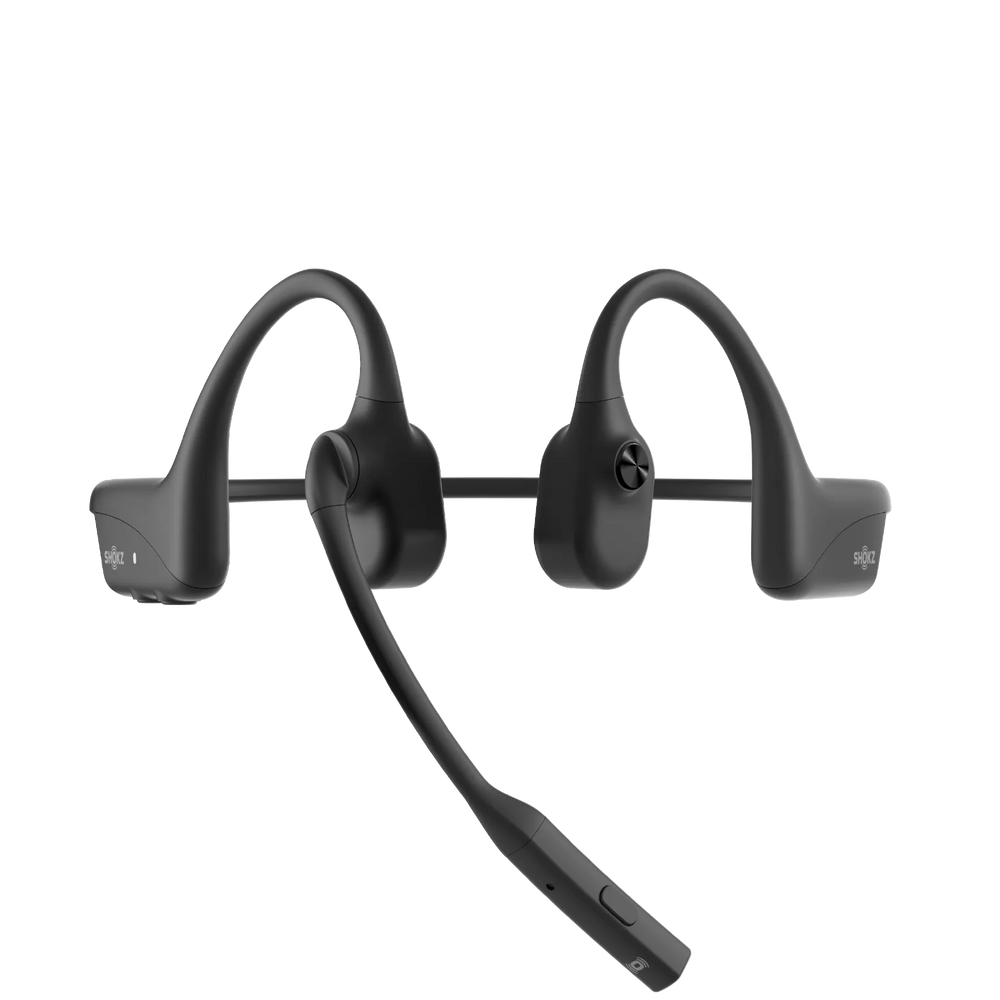
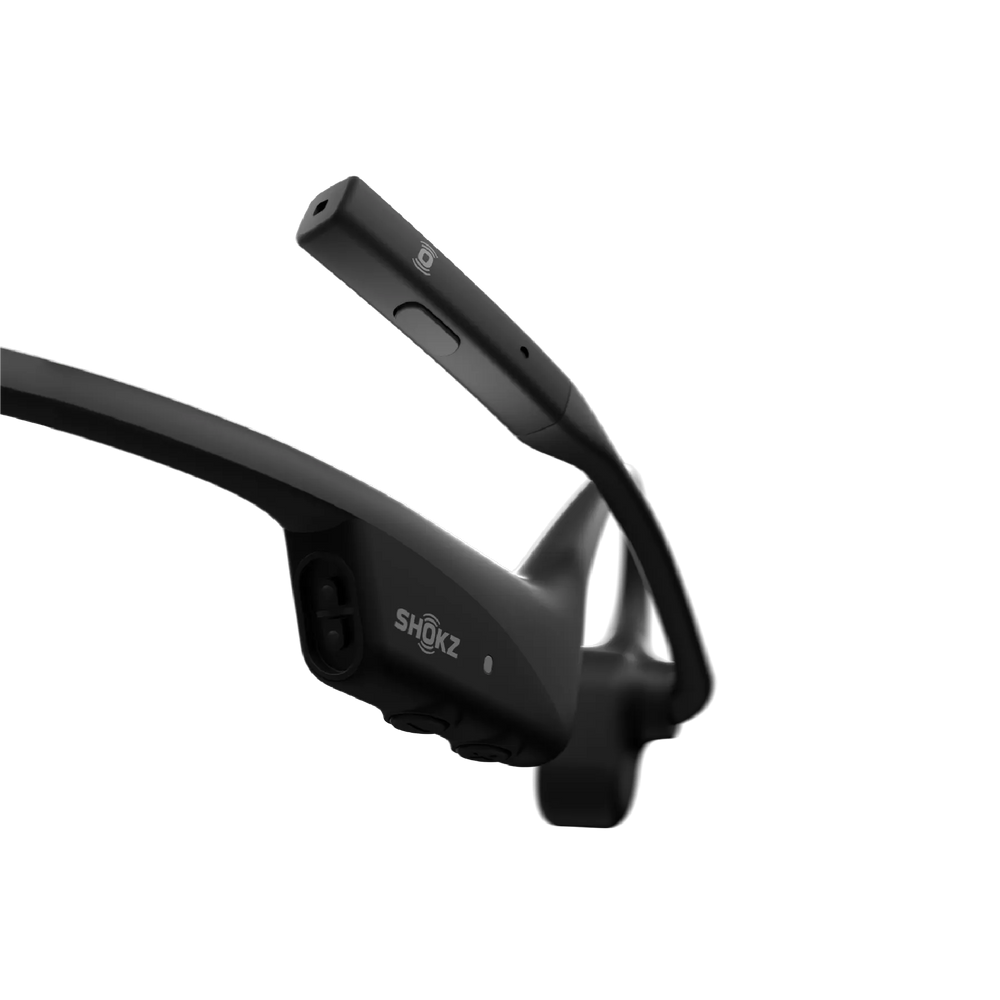
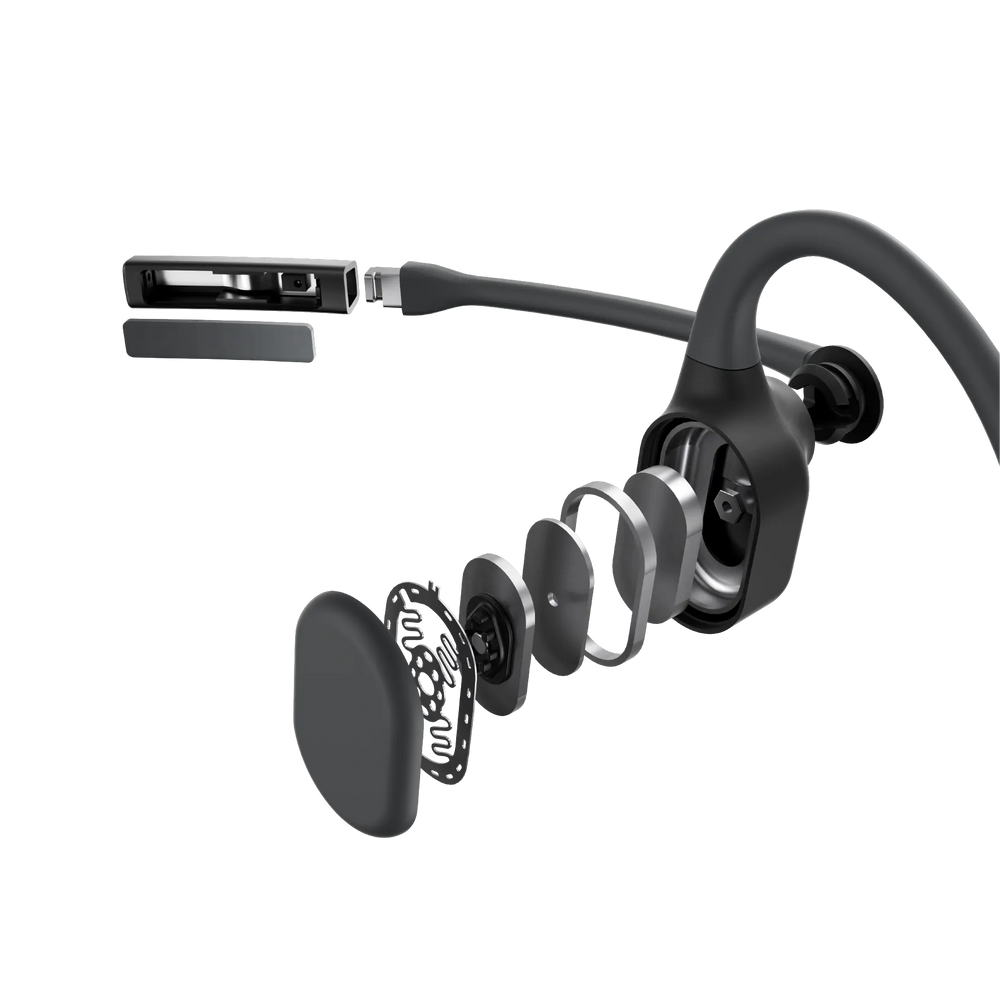

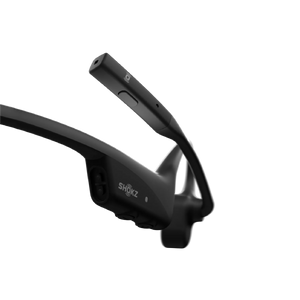
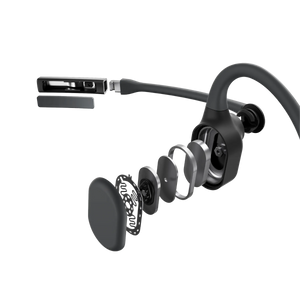

OpenComm2 2025 Upgrade (Refurbished)
New

OpenComm2 2025 Upgrade (Refurbished)

Regular price $119.95
Regular price Sale price $119.95
Sale Sold out
  • Open-Ear Clip-On Design
  • Secure Fit & Lightweight Comfort (6.5g)
  • Premium Sound Experience with Dolby Audio
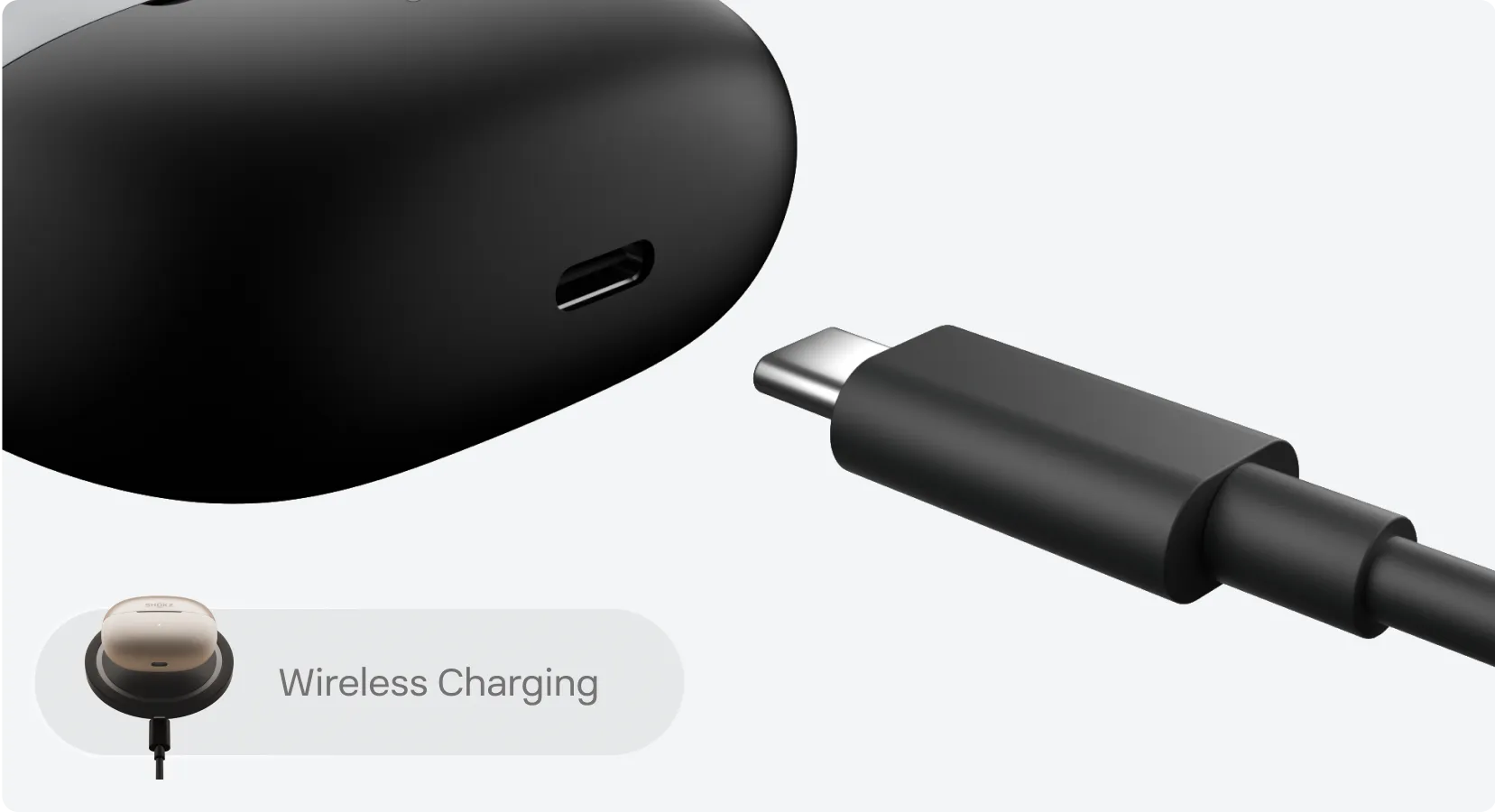
  • Up to 40 Hours of Listening & Wireless Charging
View More
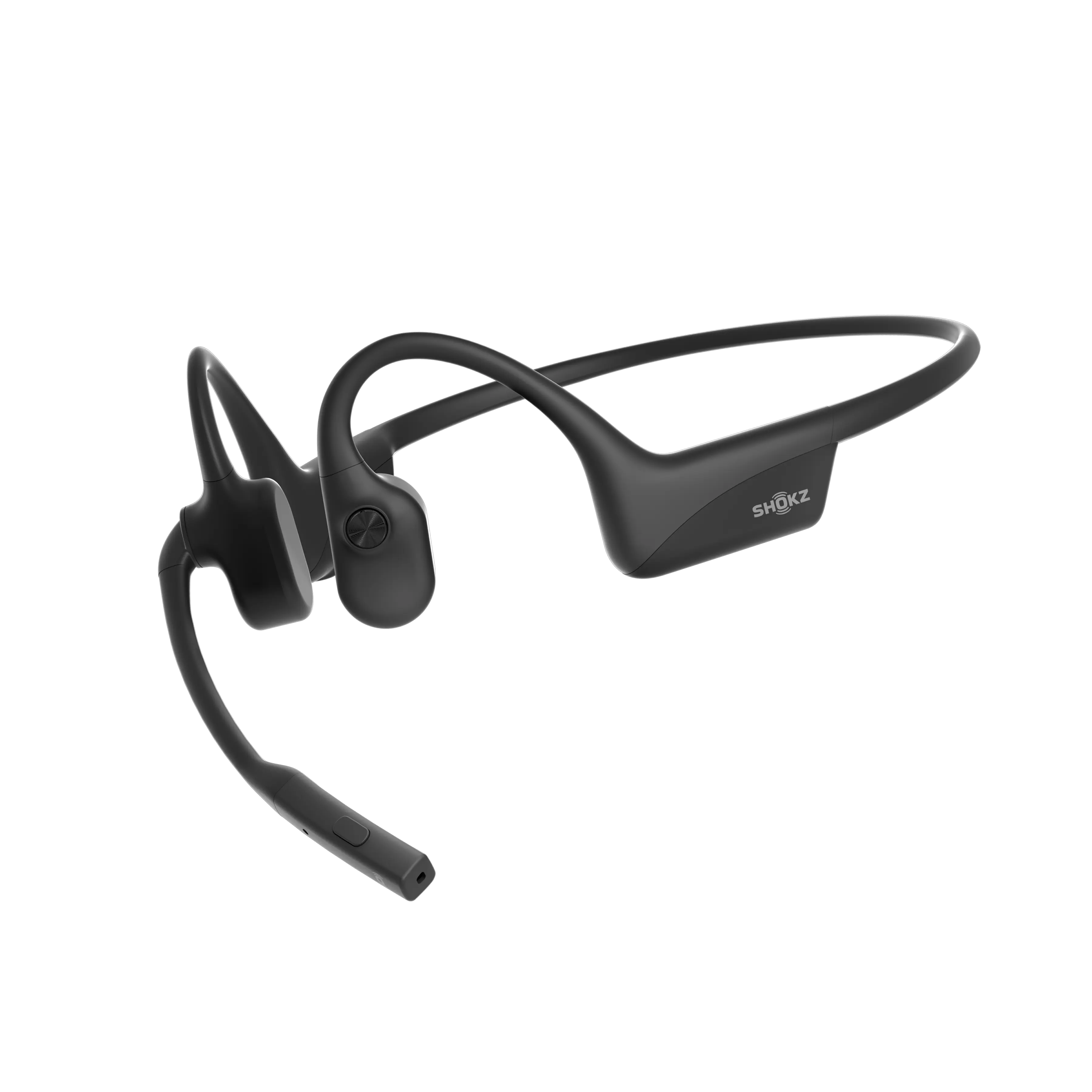
Color - Black
color imgae

Why Buy from Shokz.com?

  • Fast & Free Delivery
  • 45-Day Price Match Promise
  • 45-Day Free Returns
  • 1-Year Warranty
Regular price $119.95
Regular price Sale price $119.95
Sale Sold out
SHOKZ Certified Refurbished Products
A “Certified Refurbished Product” is one that has been returned to Shokz, for any reason, and then undergoes rigorous aesthetic and mechanical function inspection and testing as well as a thorough cleaning process. All certified refurbished products meet the same quality standards as new products and are covered by a one-year warranty. Certified refurbished headphones are packaged in a brand new brown box and will be sent to you with free shipping and free returns.
What’s In The Box
OpenComm2 2025 Upgrade Headset
USB-C Charging Cable
Hard Shell Carrying Case
Manual *1
Legal Statement *1
Warranty Card *1
Warranty Policy
Shokz certified refurbished products are covered by Shokz’ one-year limited warranty. Your warranty begins with your purchase date and covers manufacturing defects. The warranty policy does not cover loss, theft, or abuse.

OpenDots ONE - How To Wear
1 1/4
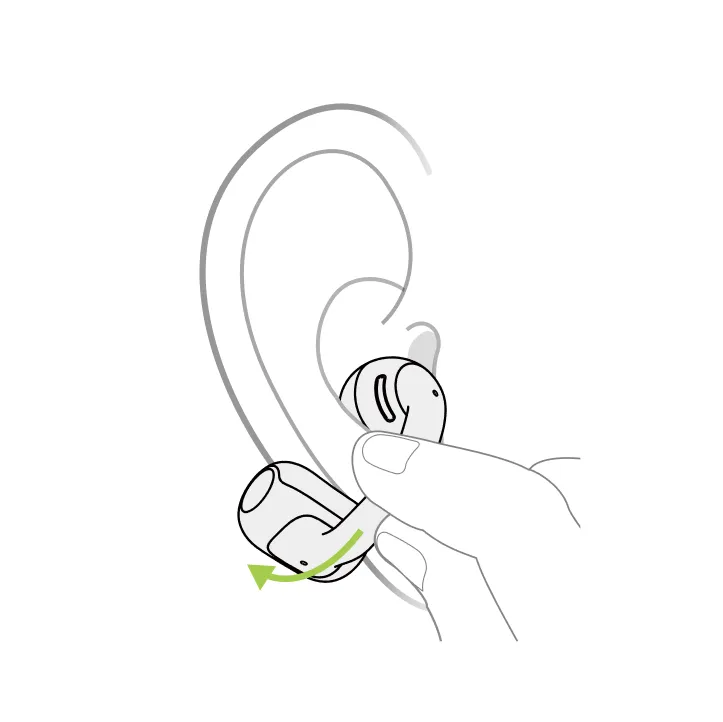
Pinch JointArc and lift toward ear.
1. Pinch the JointArc with your thumb and forefinger and raise it toward your ear.
2 2/4
Place speaker on inner ear ridge, battery behind ear.
2. Place the round speaker against the inner ridge of your ear (not inside the ear canal) and the cylindrical battery compartment behind your ear.
3 3/4
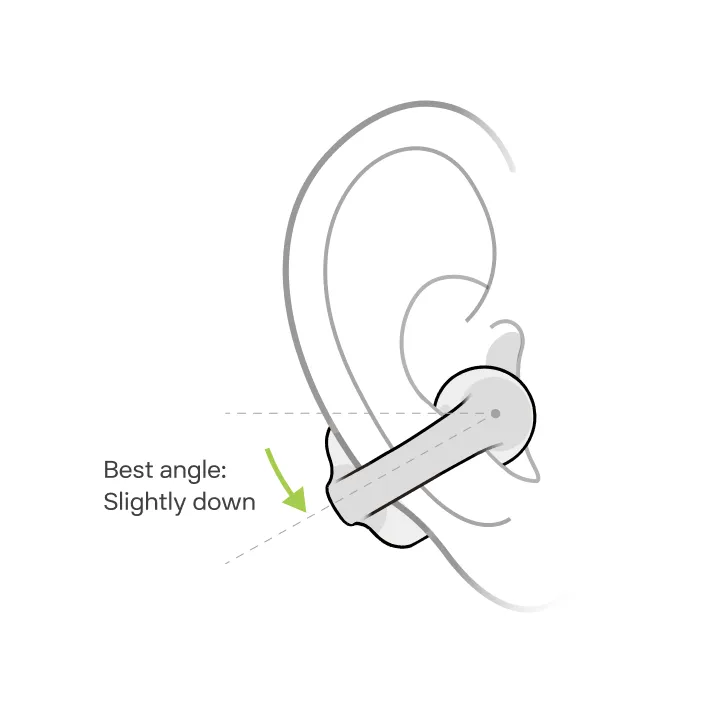
Adjust earbuds for secure, comfortable fit; angle JointArc downward 0° - 30°.
3. Adjust the earbuds for a secure and comfortable fit. We recommend angling the JointArc slightly downward (between 0° and 30°).

*Note: Use one hand to follow the steps above. Also, refrain from bending the JointArc excessively when the earbuds are not in use.

4 4/4
Adjust earbuds for secure, comfortable fit; angle JointArc downward 0° - 30°.
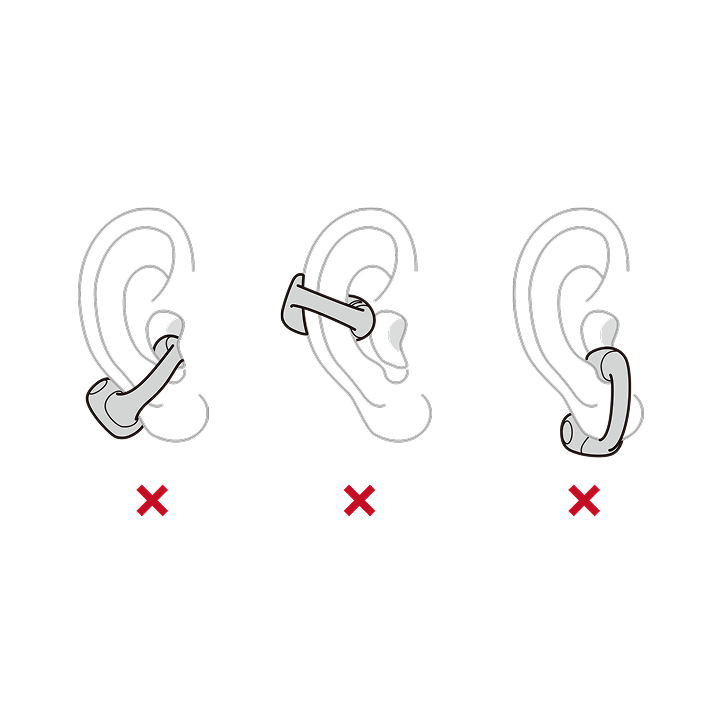
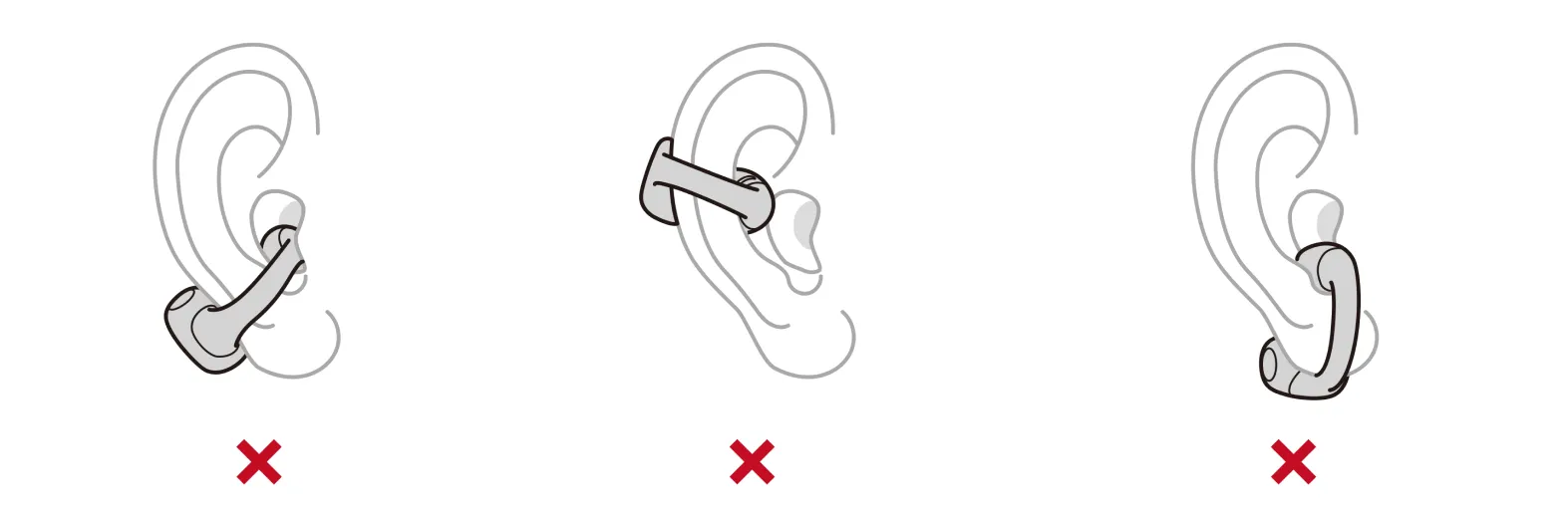
Avoid these common wearing mistakes:
1. The round speaker should sit just in front of your ear canal (not inside it).
2. The JointArc should be positioned at a natural angle, not too high or too low, as shown in the last two examples.
Wearing Instructions
1. Pinch the JointArc with your thumb and forefinger and raise it toward your ear.
2. Place the round speaker against the inner ridge of your ear (not inside the ear canal) and the cylindrical battery compartment behind your ear.
3. Adjust the earbuds for a secure and comfortable fit. We recommend angling the JointArc slightly downward (between 0° and 30°).

*Note: Use one hand to follow the steps above. Also, refrain from bending the JointArc excessively when the earbuds are not in use.


Avoid these common mistakes:
1. The round speaker should sit just in front of your ear canal (not inside it).
2. The JointArc should be positioned at a natural angle, not too high or too low, as shown in the last two examples.
Follow Us
Stay ahead with our latest news, share your Shokz stories, and tag #ShokzSquad for a chance to be featured