



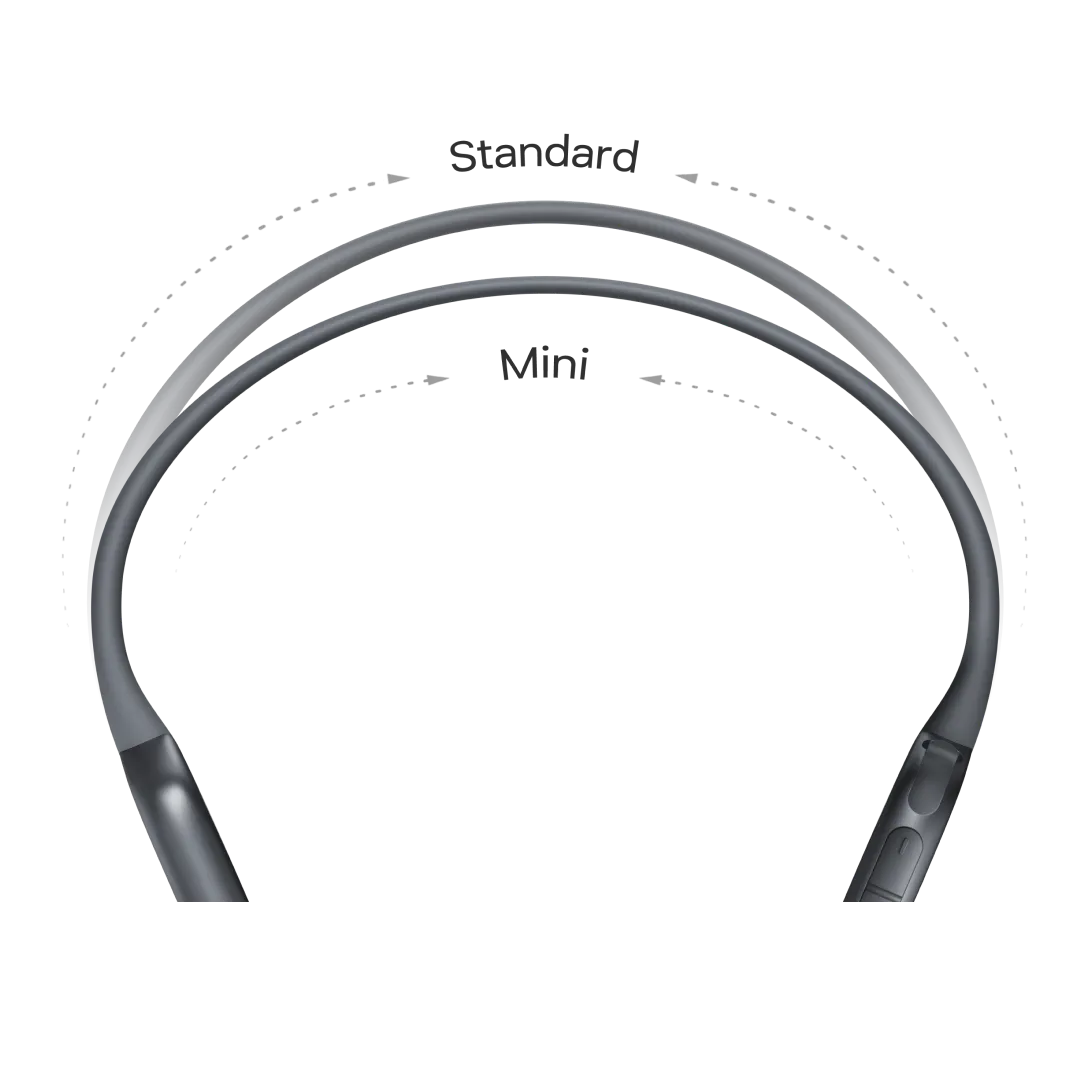
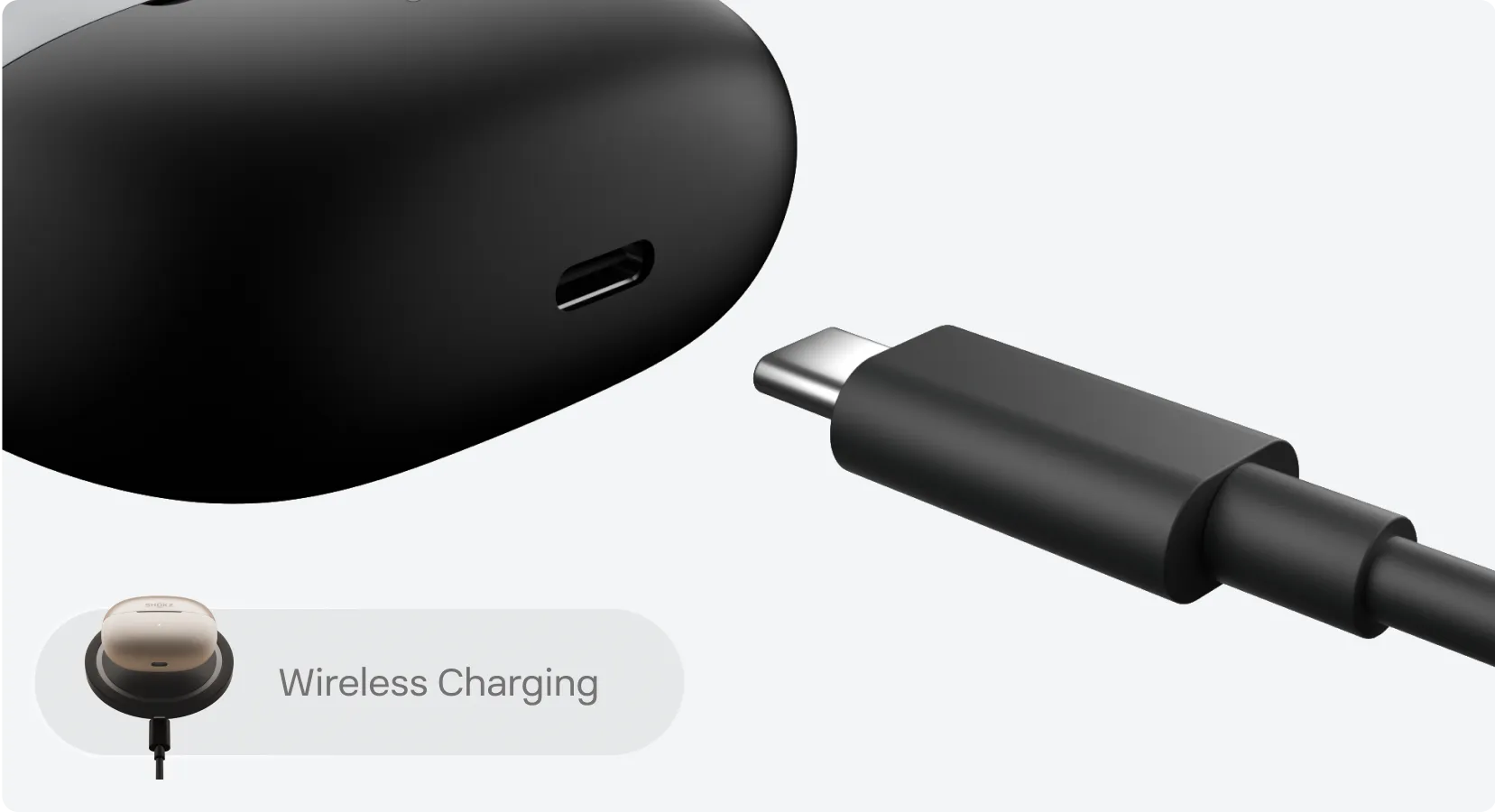
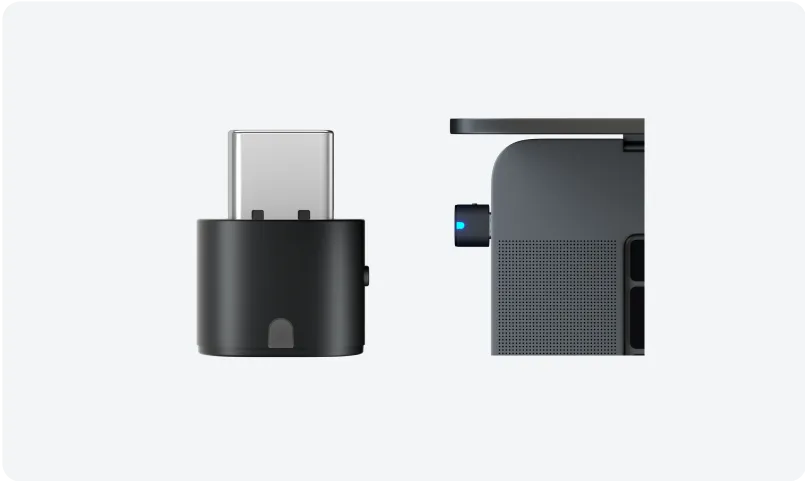
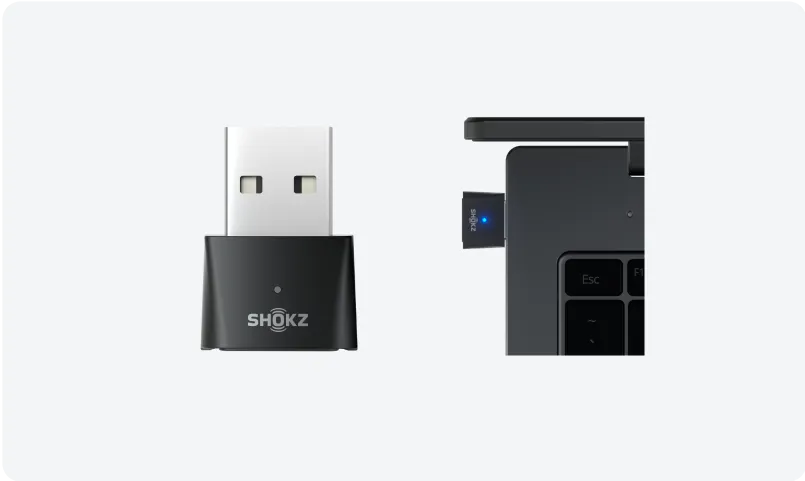


Refined design
A 30° angled speaker sits comfortably and directs sound right where you want it, for clear, natural open-ear audio.


Why Buy from Shokz.com?

Pressure-sensitive buttons respond instantly and help prevent accidental touches caused by sweat, water, or hair.

Enjoy up to 36 hours with the charging case, plus 3 hours of listening from a 10-minute quick charge.

Dual microphones and AI noise reduction keep your voice clear in busy places.

Built to handle sweat, splashes, and sudden rain.

Connect to two devices at once and switch with ease.

Fast Pair™ and Microsoft Swift Pair make setup quick with a simple on-screen prompt.
Pressure-sensitive buttons respond instantly and help prevent accidental touches caused by sweat, water, or hair.
Enjoy up to 36 hours with the charging case, plus 3 hours of listening from a 10-minute quick charge.
Dual microphones and AI noise reduction keep your voice clear in busy places.
Built to handle sweat, splashes, and sudden rain.
Connect to two devices at once and switch with ease.
Fast Pair™ and Microsoft Swift Pair make setup quick with a simple on-screen prompt.


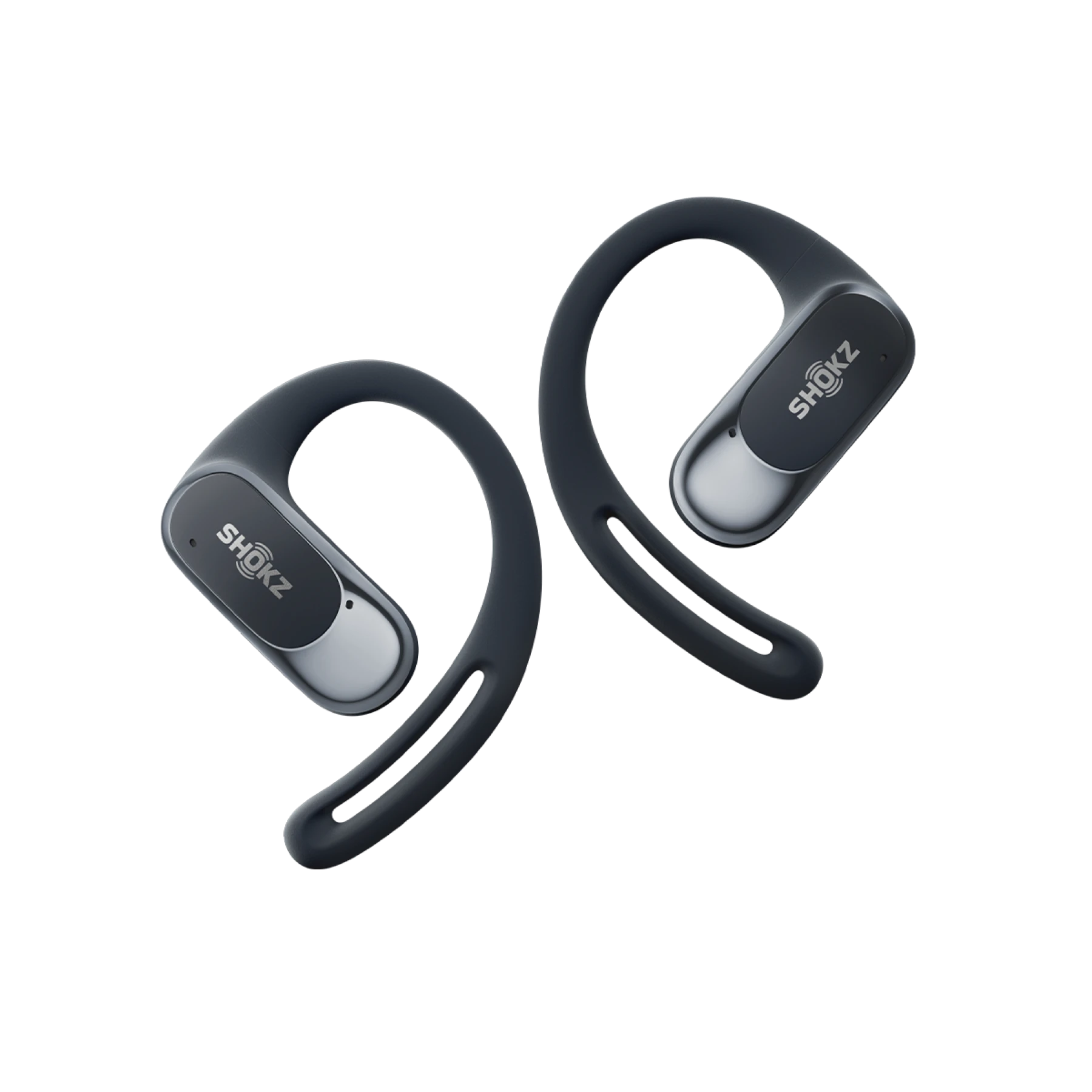
It's light, comfortable, and stays secure through whatever you're doing. You get clear open-ear sound, controls you can press without looking, and a case small enough to pocket.
The speaker sits at a 30° angle, aimed right at your ear. Sound takes the shortest path in, so it comes through clear and natural.
Bassphere™ uses a round dual-speaker setup to boost low frequencies. OpenBass™ 2.0 tunes the bass further for more depth and texture. Together, they give you full, balanced sound across lows, mids, and highs.
Wear them at the gym, at your desk, around the house, or outside. They keep your audio and calls private with minimal sound leakage, so the people around you aren't disturbed.
Audio technology
OpenFit Air is built on DirectPitch™. OpenFit Air 2 adds Bassphere™ and OpenBass™ 2.0, with a dual-driver system in a compact unit for richer bass and a fuller soundstage.
Listening time
Up to 8 hours on a single charge, longer than OpenFit Air.
Quick charge
A 10-minute charge gives you up to 3 hours of listening.
Dust and water resistance
The earbuds are rated IP55, so better dust and water resistance than OpenFit Air.
Weight
Just 7.2g per earbud, lighter than OpenFit Air for a more comfortable, secure fit during extended wearing sessions.
Control
OpenFit Air used touch controls. OpenFit Air 2 uses pressure-sensitive buttons for more precise control and fewer accidental taps.
Bluetooth
Bluetooth® V6.1 for a stable signal, low latency, and reliable performance in crowded spaces. Your connection stays solid up to 33 ft (10 m) away.
First-time use
1. When you open the charging case, the earbuds will automatically enter Bluetooth pairing mode. The indicator light on the charging case will flash orange and green alternately.
2. Open Bluetooth settings on your device and select ""OpenFit Air 2 by Shokz"" to connect.
To re-pair
1. Place both earbuds in the charging case.
2. Press and hold the button inside the case for 3 seconds. The indicator light will flash orange and green alternately to confirm the earbuds are in pairing mode.
3. Turn on Bluetooth on your device and select ”OpenFit Air 2 by Shokz.“ Your device will confirm the connection when pairing is complete.
1. Take the earbuds out of the charging case.
2. Rest the speaker above your ear.
3. Gently rotate the earbud back so the hook curls around your ear.
Before you start, update the Shokz App to the latest version in the App Store and update your earbud firmware to the latest version. Make sure Bluetooth is on for both devices.
1. Connect the earbuds to your phone, then select ""MultiPoint Pairing"" in the Shokz App.
2. On the pop-up, confirm MultiPoint Pairing is enabled.
3. Select ""Connect to the Second Device"" and follow the steps to connect.
4. Once the earbuds are connected to two devices, you can manage both Bluetooth connections in the Shokz app.
A reset clears all paired devices and restores default settings.
1. Place both earbuds in the charging case and keep the lid open.
2. Press and hold the button inside the case for 15 seconds. The orange light flashes for 5 seconds, then turns off. That means the reset is done.
3. The light then flashes orange and green, showing the earbuds are ready to pair.
Audio (left or right button)
- Play or pause: press either button x1
- Next track: press either button x2
- Previous track: press either button x3
Volume
- Volume down: during audio or a call, press and hold the left button
- Volume up: during audio or a call, press and hold the right button
- Continuous adjustment: press and hold the matching button to keep raising or lowering the volume
Calls (left or right button)
- Answer: during an incoming call, press either button x1
- End: during a call, press either button x1
- Reject: during an incoming call, press either button x2
*Functions may vary depending on your software or device.
Accidental loss isn't covered under our standard warranty, but you can buy a replacement earbud. Reach out to the Shokz Customer Happiness Team and we'll help you order it and pair it with the one you still have.
No, standalone charging cases aren't available right now. If you need a replacement earbud, contact the Shokz Customer Happiness Team and we'll help.
You can return a replacement earbud for a refund within 45 days of purchase (90 days for ShokzSquad members), as long as it's unopened, unworn, and in its original packaging with all tamper-evident seals intact. Click here to know more about the Return Policy for the replacement earbud.
Check the "L" (Left) and "R" (Right) markings printed on the inner side of each earbud.
Step 1: Reset your OpenFit Air 2 to factory settings
• Place both earbuds in the charging case.
• Keep the lid open, then press and hold the button inside the case for 15 seconds.
• When the indicator light flashes orange for 5 seconds and then turns off, release the button. The earbuds are now reset.
• The light will flash orange and green alternately, which means the earbuds are in pairing mode.
Step 2: Re-pair the earbuds with your device
• On your device, go to the Bluetooth settings and forget the old OpenFit Air 2 pairing.
• Turn Bluetooth off and back on, then search for and tap "OpenFit Air 2 by Shokz" to connect.
Step 3: Update firmware in the Shokz App
• Open the Shokz App and follow the on-screen steps to connect the earbuds. Keep them connected to your device over Bluetooth.
• Tap the Settings icon in the top right corner, then go to Settings > Firmware Upgrade.
• If a new version is available, tap Upgrade Now. Once it's done, your earbuds are ready to use.
Right now this program covers select models, but we're always expanding what we support. Check shokz.com or subscribe to our emails for the latest updates.
Replacement earbuds are covered under the applicable Shokz Limited Warranty. Click here to know more about the Warranty Policy for the replacement earbuds.


