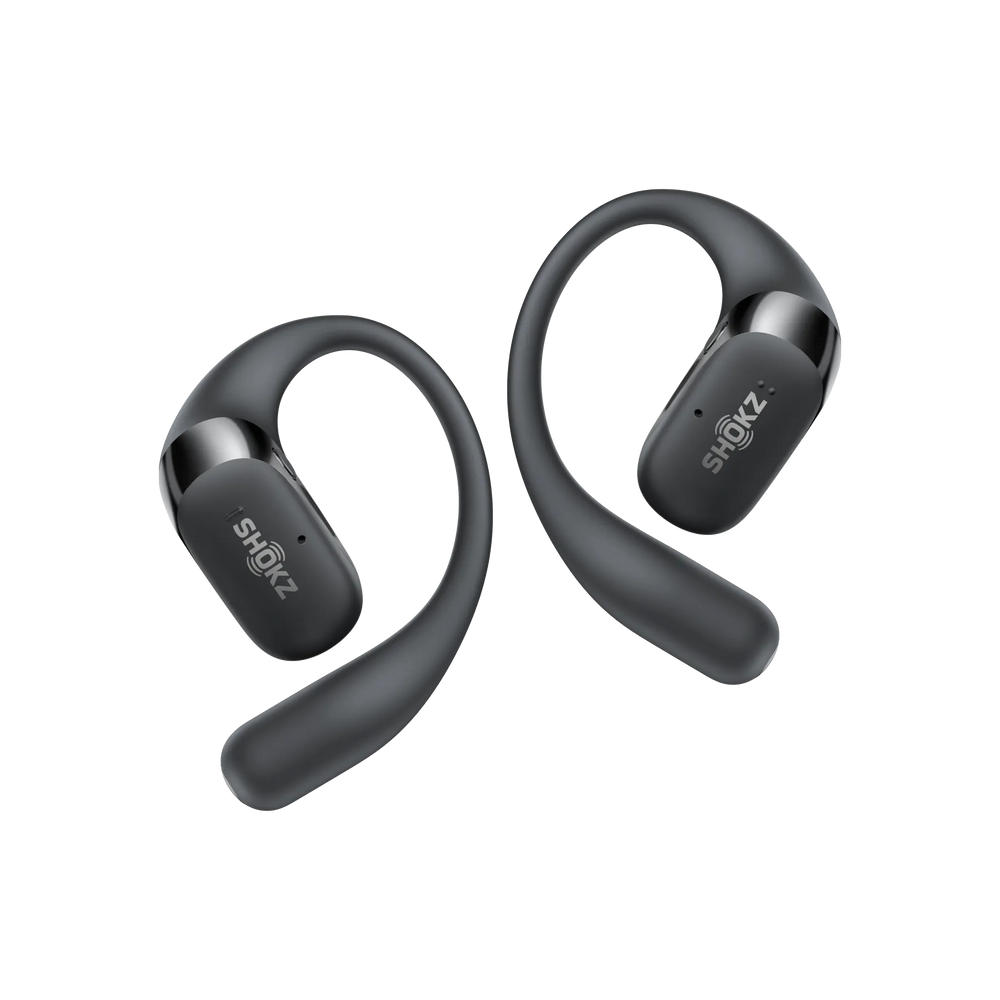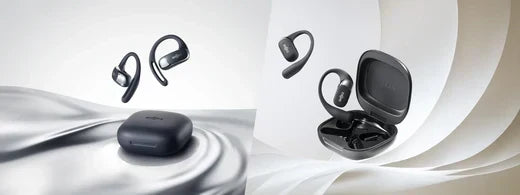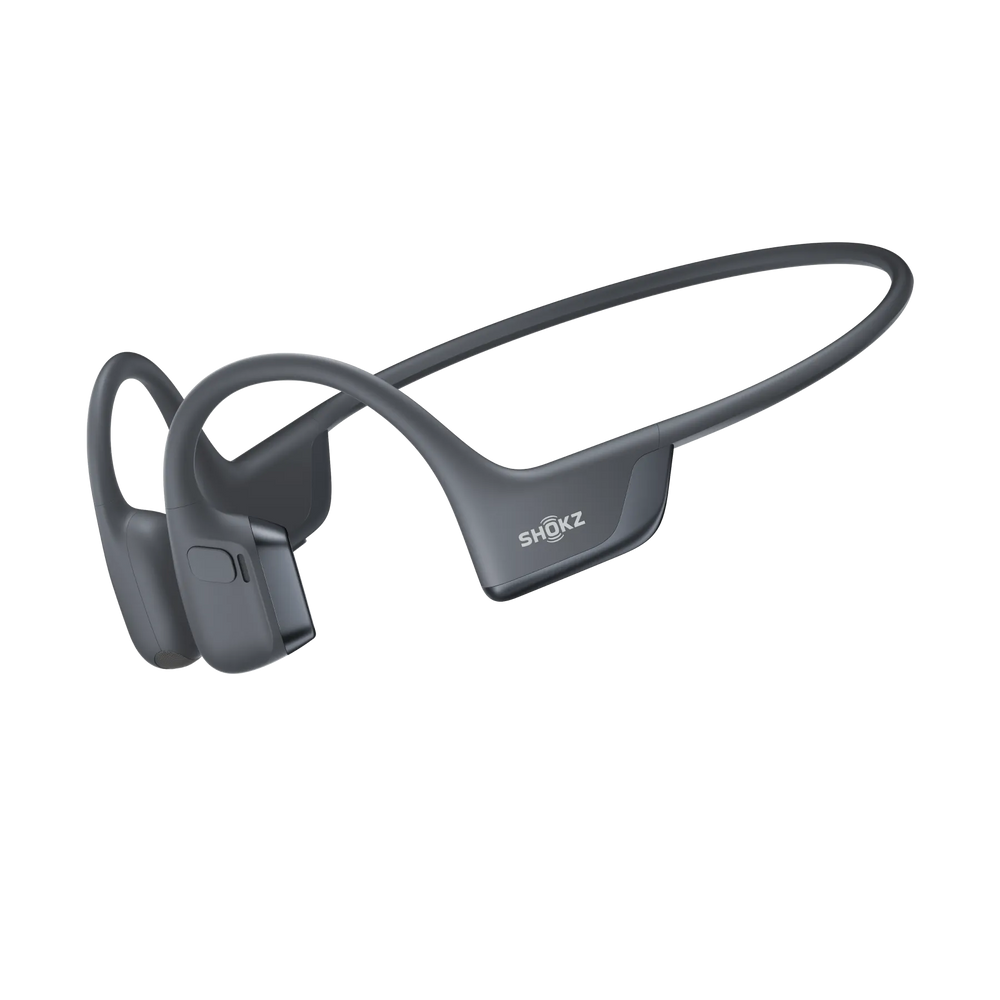
How to Use Open Ear Headphones for the Best Experience
Open ear headphones offer a blend of safety, comfort, and sound quality that sets them apart from traditional models.
But to get the most out of them, you need to understand how they work and how to use them the right way.
How to Wear Open Ear Headphones Correctly for Comfort and Optimal Sound
The right way to wear open-ear headphones is crucial for both comfort and performance. Follow this step-by-step process:
- Step 1: Start by identifying the left and right sides.
- Step 2: Now place the headphones over your ears so the speakers sit just in front of your ear openings.
- Step 3: Then adjust the ear hooks for a snug fit and ensure that there is no pressure on your ear cartilage.
- Step 4: Make sure the headphones are not too tight. This reduces fatigue during long sessions.
This open-ear design keeps your ears open and allows you to hear traffic, voices, or announcements while enjoying your music. It is perfect for runners, cyclists, and anyone on the move.
How to Pair Open Ear Headphones with Your Devices
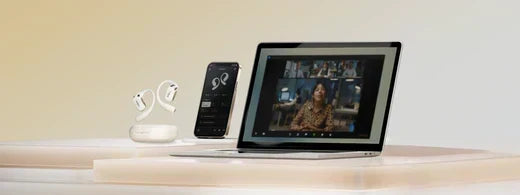
Pairing open-ear headphones with your phone, laptop, or smartwatch is straightforward. You just need to follow these steps:
- Activate pairing mode: Usually, you need to press and hold the power or pairing button for a few seconds until the LED indicator flashes.
- Enable Bluetooth on your device and select your headphones from the list of available devices.
- Confirm the connection. You may hear a voice prompt or see a steady light indicating a successful pairing.
Many models support multipoint pairing, so you can connect to two devices at once. This feature is great for switching between phones.
Tips for Maximising the Sound Quality of Open Ear Headphones
Although open-ear headphones are designed for environmental awareness, you can still enjoy rich, immersive sound.
Here is how you can maximise the sound quality of these headphones:
- Adjust EQ settings in the companion app to fine-tune bass, mids, and treble.
- Choose the correct volume. Higher volumes can sometimes cause minor sound leakage; moderate levels often provide the best balance.
- Keep your ears clean and avoid blocking the speaker area for optimal clarity.
Troubleshooting Common Issues with Open Ear Headphones
Even the best headphones can have issues. Here are some solutions to common problems. If problems persist, you can refer to your product manual or contact Shokz support:
| Issue | Possible Cause | Solution |
| No sound | Not paired, low battery | Check connection and battery level |
| Poor sound quality | Misaligned fit, dirty speakers | Reposition headphones, clean speakers |
| Intermittent connection | Bluetooth interference | Move closer to your device, reset pairing |
| Cannot charge | Wet port, faulty cable | Dry the port, use original cable |
How to Charge and Maintain Open Ear Headphones
Charging your open-ear headphones is simple, but following a few best practices helps extend their life.
How to Charge Open Ear Headphones Correctly
Charging your headphones in the right way is essential to make the maximum use of it. Always use the charging cable that comes with your specific model, whether it is USB-C or magnetic.
Plug the cable into a standard USB charger or your computer. Make sure your headphones are dry before charging, especially after exercise, to prevent damage.
Many Shokz models feature quick charge technology which provides hours of listening time with just a little charge.
How Long Does It Take to Fully Charge Open Ear Headphones?
Charging times of your open-ear headphones depend on the model and battery size. Here is a quick comparison of the charging and play time of Shokz's top headphone models:
| Model | Full Charge Time | Quick Charge (Playtime) | Battery Life (Playback) |
| OpenRun Pro 2 | ~1 hour | 5 min = 2.5 hours | Up to 12 hours |
| OpenRun | ~1.5 hours | 10 min = 1.5 hours | Up to 8 hours |
| OpenSwim Pro | ~1.5 hours | 10 min = 3 hours | Up to 9 hours (BT) / 6 hrs (MP3) |
| OpenFit Air | 1.5 hours | 10 min = 2 hours | Up to 28 hours (with case) |
| OpenFit | 1.5 hours | 10 min = 2 hours | Up to 28 hours (with case) |
| OpenFit 2 | 1.5 hours | 5 min = 1 hour | Up to 48 hours (with case) |
| Model | Full Charge Time | Quick Charge (Playtime) |
| OpenRun Pro 2 | ~1 hour | 5 min = 2.5 hours |
| OpenSwim Pro | ~1.5 hours | 10 min = 3 hours |
| OpenFit Series | 1-1.5 hours | 10 min = 2 hours |
These headphones alert you when charging is complete with an LED indicator or a voice prompt.
Storing and Maintaining Your Open Ear Headphones for Longevity
To keep your headphones in top condition, store them in a case when not in use and keep them away from heat, moisture, and dust.
Clean them gently with a dry, soft cloth, and avoid wrapping cables too tightly to prevent internal damage.
Maximising Battery Life and Performance
For optimal battery performance, let your headphones fully charge and try to avoid frequent deep discharges.
Use the quick charge feature only when necessary, and keep your firmware updated through the app to ensure the best experience.
The Key Benefits of Open Ear Headphones
When it comes to open-ear headphones, convenience and comfort truly set them apart. Here are some reasons why Open-ear headphones are a convenient choice.
Effortless Wearing
The ergonomic, open-ear design of Shokz headphones means you avoid ear fatigue and discomfort. Lightweight materials, memory alloy frames, and soft silicone finishes ensure the headphones stay secure, even during intense activity.
This is especially beneficial for those who wear glasses or use headphones for long periods.
Quick Device Connection
Modern open-ear headphones make Bluetooth pairing nearly instantaneous. With features like multipoint pairing and stable wireless chips, you can connect to multiple devices without a complicated setup. The process is fast, reliable, and user-friendly.
Long Battery Life and Quick Charge
Open ear headphones stand out with extended playtimes, up to 48 hours, with some models. Quick charge features let you get hours of use with just a few minutes of charging.
Plus, IP55 water resistance means you can charge after high intensity sweaty workouts without worry as long as you dry the device first.

Why Upgrade to Shokz? Discover The Best Open Earbuds
Shokz OpenFit Air
Shokz OpenFit Air delivers all-day comfort and clear, open-ear audio. Its lightweight design rests gently around your ears, keeping you aware of your surroundings while enjoying your favourite playlists.