Common Wireless Earbuds Pairing Issues
Even the most tech-savvy among us can run into problems when connecting devices. Understanding these common problems ensures you spend more time enjoying your music and less time fumbling with settings.
Earbuds Not Showing on iPhone or Android
This usually means your earbuds aren't in discoverable mode or another device is already connected. Make sure your earbuds are fully charged, turned on or out of its case, and actively seeking a connection.
Connection Dropping Frequently
Losing its connection can be caused by interference from other wireless devices, being too far from your phone, or a low battery. Try resetting the connection by turning it off and on, moving closer to your device, or ensuring a clear line of sight between the two.
Bluetooth Compatibility Issues
Older smartphones or laptops might be using outdated Bluetooth versions. Check your device's specifications to ensure it supports the Bluetooth version required by your earbuds.
How to Pair Wireless Earbuds with Different Devices: Step-by-Step Guide
The basic steps for connecting your earbuds are similar regardless of the type of phone or computer. Follow these simple instructions and you’ll quickly learn how to pair your earbuds.
Pairing with iPhone or Android
This is the most common pairing scenario. Follow these steps to know how to pair wireless earbuds to iPhone or Android device.
Turn on Earbuds and Enable Pairing Mode: Turn on or take your earbuds out of the case and look for a flashing light. This typically indicates they are in pairing mode, ready to be discovered.
Open Bluetooth Settings on Your Device: Go to the main settings menu on your phone and tap on "Bluetooth" or "Connected devices." Ensure the main Bluetooth switch is turned on.
Select Earbuds from Available Devices: Your phone will scan and show a list of nearby devices. Tap on your earbuds' name to initiate the pairing process.
Confirm Connection and Test Audio: You might see a "Pair" confirmation prompt. If so, accept it, and play a quick audio clip to confirm sound is coming through both earbuds.
Pairing with Windows Computers
Connecting to your laptop for work calls or streaming is just as easy. Follow these steps to pair earbuds to your PC.
Activate Pairing Mode on Your Earbuds: Ensure your wireless earbuds are turned on and actively in discoverable mode. This is usually indicated by a blinking light on the earbud.
Open Windows Settings and Access Bluetooth: Click the Windows Start button, and then the gear icon for Settings. Select "Bluetooth & devices" on the left-hand menu.
Click “Add Bluetooth or Other Device”: At the top of the Bluetooth settings page, click the "Add device" button and choose the "Bluetooth" option from the menu.
Select Your Earbuds and Confirm Connection: Wait for your earbuds' name to appear in the list, click it, and Windows will complete the connection.
Recommend 4 Wireless Earbuds with Reliable Bluetooth
A strong, stable connection is what sets great wireless Shokz open ear headphones apart. Some models are equipped with advanced Bluetooth systems. These ensure quick pairing, steady performance, and uninterrupted sound quality you can rely on.
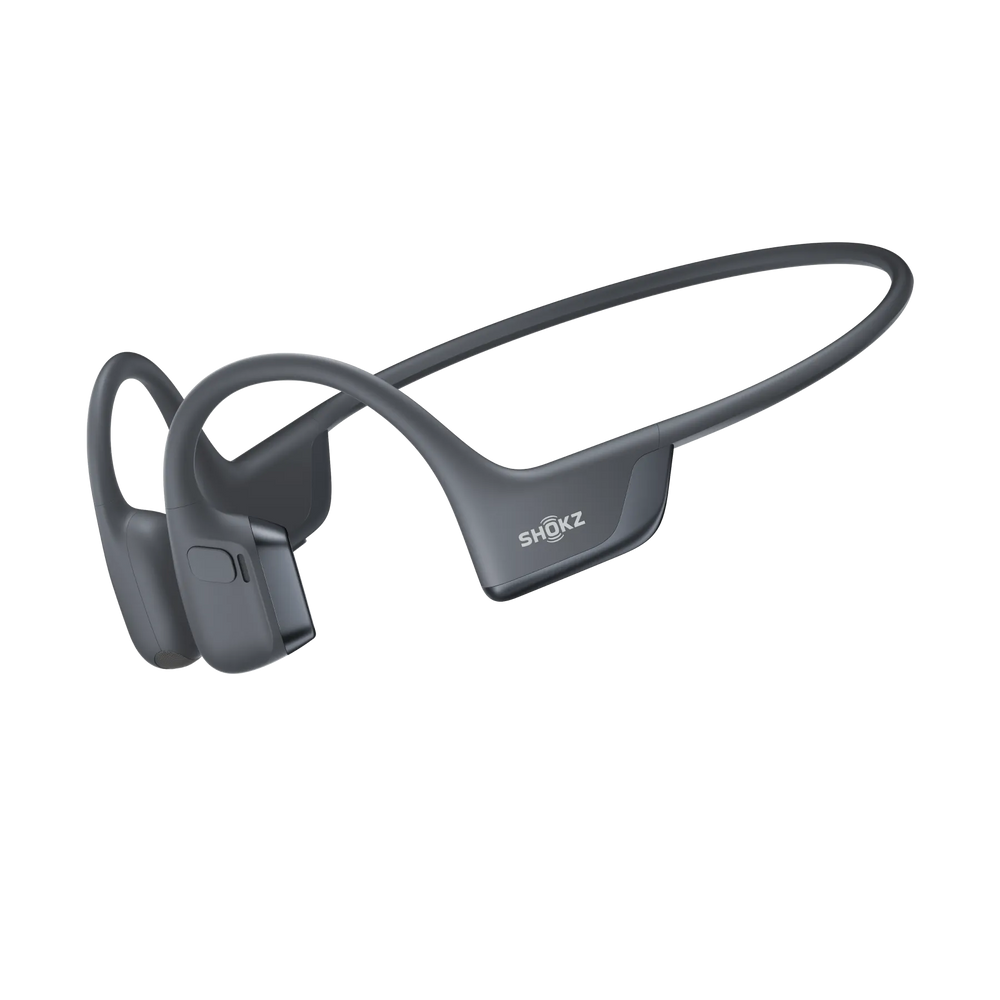
OpenRun Pro 2
OpenRun Pro 2 is designed for athletes and has an open-ear bone conduction design. This design prioritizes situational awareness for outdoor safety. It features a secure, integrated ear hook design and rock-solid Bluetooth. They deliver uninterrupted, high-fidelity audio to fuel every beat of your workout.

Key Features:
Acoustic Technology: Uses a dual-driver system (advanced bone conduction and air conduction) to deliver a naturally rich and immersive sound experience.
Custom Sound: Enjoy six preset EQ modes plus two fully customizable options to match your listening preferences.
Comfort Designs: The DualPitch™ technology minimizes vibration discomfort. Their ergonomic, lightweight design uses comfortable, premium materials.
Durability: Their IP55 waterproof rating makes them resistant to sweat and light rain during intense training sessions.
Battery Life: With an impressive 12 hours of playback on a single full charge, they are ready for your longest runs.
OpenDots ONE
OpenDots ONE should be your choice for ultimate portability and versatile use for any occasion. It boasts a special clip-on design and the signature open-ear comfort. They are small but deliver a rich and immersive music experience all day long.

Key Features:
Acoustic Technology: Features Bassphere™ Technology, integrating two circular drivers into a spherical module for deep, resonant bass effects.
Audio Quality: Supports Dolby Audio for a truly spatial and three-dimensional sound quality for movies and music.
Battery & Charging: The charging case extends the total playback to 40 hours. The Quick-charge mode provides 2 hours of use from just a 10-minute charge.
Connectivity: Equipped with Multipoint Pairing, allowing you to connect and switch between two different devices (e.g., your phone and laptop).
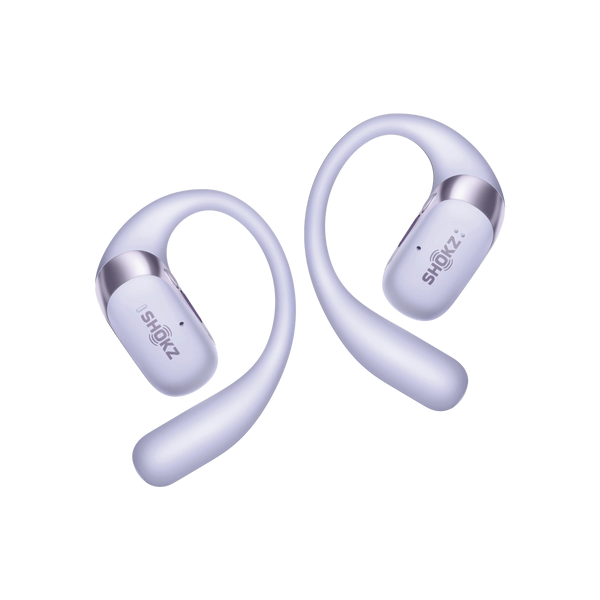
OpenFit 2+
Experience premium audio without sacrificing safety. OpenFit 2+ has an open-ear design that keeps you fully aware of your surroundings. This is perfect for commuting, office work or outdoor activities. It has an adaptable ear hook for a secure, custom fit that’s comfortable enough for all-day wear, even during workouts.
Key Features:
Audio Enhancement: Delivers Dynamic Dolby Audio for an immersive, high-definition sound that brings your music and calls to life.
Lightweight Comfort: They weigh just 9.4 grams per earbud and are so light and comfortable they feel nearly weightless.
Exceptional Endurance: Exceptional Endurance: When it comes to Shokz earbuds battery life, these earbuds deliver up to 48 hours of total battery life with the charging case, and a single earbud offers 11 hours of playtime from one charge.
Control: They have easily accessible buttons to control volume and playback, and respond to calls.
Connectivity: Equipped with a stable Bluetooth 5.4 chip. This guarantees a fast, robust, and energy-efficient connection with your paired devices.
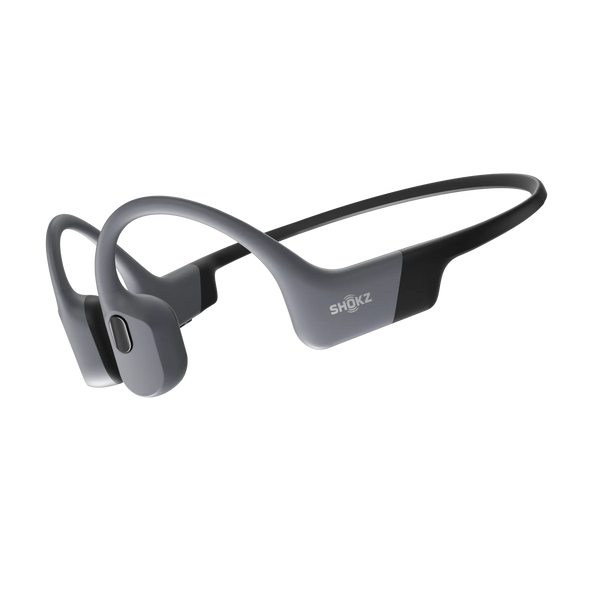
OpenSwim Pro
Ever wished for music while swimming? This powerful headset is completely waterproof! It features a generous 32GB MP3 storage capacity for consistent listening underwater. Its stable fit delivers a rich and immersive sound through every stroke in the water. OpenSwim Pro is one of the best waterproof headphones for swimming.
Key Features:
Acoustic Technology: It has PremiumPitch™ 2.0+ Bone Conduction Technology. This delivers clear tonal quality, and deep, resonant bass, even in noisy environments.
Dual Mode: You can use the stable Bluetooth connectivity for out of water activities and the MP3 player for seamless underwater music. This gives you truly limitless audio.
Waterproof Rating: OpenSwim Pro can be submerged in up to 2 meters of fresh water, boasting an ultra-high IP68 waterproof rating.
Ergonomics: Features flexible ear hooks designed to be compatible with swimming goggles, caps, helmets, and other essential athletic gear.
Control: Equipped with intuitive buttons designed for reliable, easy operation when submerged underwater.
Comparison Table
Here’s a quick comparison to help you find which model best fits your lifestyle and listening needs.
|
Model |
Key Features |
Best For |
|
OpenRun Pro 2 |
Dual-driver bone & air conduction, 6 EQ modes, IP55 waterproof, 12h battery |
Outdoor running & high-intensity training |
|
OpenDots ONE |
Bassphere™ dual circular drivers, Dolby Audio, 40h total battery, Multipoint pairing |
Every day portable use & multitasking |
|
OpenFit 2+ |
Dynamic Dolby Audio, 9.4g ultra-light, 48h total battery, Bluetooth 5.4, Button controls |
Commuting, office work & long wear |
|
OpenSwim Pro |
PremiumPitch™ 2.0+ bone conduction, 32GB MP3 storage, Dual mode (Bluetooth + MP3), IP68 waterproof |
Swimming & water sports |
Tips to Care for and Maintain Your Wireless Earbuds
Just like regularly checking the oil in your car, a little TLC for your earbuds will extend their lifespan and ensure optimal performance.
Regularly Clean the Charging Contacts
Use a dry cotton swab or soft cloth to gently wipe the gold-colored contacts on both the earbuds and inside the case to ensure consistent charging.
Keep Ear Tips Clean
If your earbuds use silicone in-ear tips, wax and debris can build up over time. Regularly remove the tips from the sound piece and wash them. Use mild soap and water, and make sure they’re completely dry before reattaching.
Update Firmware when Prompts Appear
Firmware updates are important to be installed when notified. These updates fix bugs, improve battery efficiency, and enhance Bluetooth stability and pairing capabilities.
Store in the Charging Case
The case protects the earbuds from physical damage, dust, and liquids. It also keeps them charged and ready for your next use.
FAQ
Do you need Wi-Fi to pair earbuds?
No, you absolutely do not need Wi-Fi. Wireless earbuds utilize Bluetooth technology. Bluetooth establishes a short-range, direct radio-wave connection between the earbuds and your smartphone or computer.
Can I pair one earbud only?
Yes, many modern wireless earbuds support "mono mode" functionality. This allows you to use either the left or the right earbud separately. The other earbud can stay safely charging in the case.
Why do my earbuds disconnect sometimes?
Frequent disconnections are typically related to three main factors. These are low battery in the earbuds, exceeding the Bluetooth range, or strong radio interference from other nearby electronic devices.
Do the earbuds automatically connect?
Yes, they usually do! Once the initial, successful pairing process is complete, your earbuds are remembered by your device. As long as your source device’s Bluetooth mode is on, the earbuds should automatically connect to the last-paired device. As soon as you open the case and they turn on, they should connect.
Conclusion
Learning how to pair wireless earbuds is a straightforward process that unlocks a world of audio freedom. Follow these easy, step-by-step instructions to minimize frustrating technical issues. Also, establish good maintenance habits for your devices to enjoy a reliable, high-quality listening experience whether you're at home or out and about. Enjoy your music!