How to Reset Earbuds for Optimal Performance
When your earbuds suddenly stop pairing, start acting like one earbud died forever, or refuse to charge even though you begged them politely, you can try to reset them. If you’re here wondering how to reset earbuds, this guide breaks down the why, the when, and the how. Most problems are annoyances, not catastrophic failures. They just store too much bad data, make impulsive pairing decisions, and eventually get stuck in a loop they can’t fix alone. In fact, resetting them is basically pulling the power cable on a misbehaving modem.
When to Reset Your Earbuds or Headphones
Most people don’t think about resetting earbuds until something goes sideways. Resetting wipes memory so they stop clinging to broken settings. Below are some common situations when you can try to reset your earphones.
Connectivity Problems
If the earbuds keep dropping audio, refusing to pair, or only connect after a ritual sacrifice, a reset clears out old connections that are hogging space in memory. Phones and laptops hang onto pairing history longer than you’d expect, and eventually they choke on it. If you’re constantly switching between a laptop, a phone, and maybe a TV, this happens faster.
Audio Distortion or Imbalance
When the left earbud sounds like it’s underwater or the right one is randomly louder, it’s probably a software mismatch, not a blown speaker. Firmware gets confused about EQ profiles, codec priorities, or channel routing, especially after updates or low-power shutdowns. Resetting forces the earbuds to sync again.
Unresponsive Controls
If taps, swipes, or buttons stop doing anything, it’s usually a firmware freeze. Earbuds can encounter a crash, especially after an update or battery dip. A reset reloads the default input map so controls react again.
Sync Issues
Audio delay, especially if video and voice don’t line up, can come from half-broken Bluetooth profiles stuck in memory. Gamers experience this constantly, because every app demands a different latency target. Resetting forces earbuds to renegotiate.
Battery Drain
Rapid battery loss or earbuds dying in 20 minutes is often a glitch, not aging hardware. Resetting recalibrates battery reporting, so earbuds stop burning energy trying to “stay awake.” If the issue started suddenly, not gradually, this is almost always software, not chemistry.
Charging Errors
If one earbud randomly won’t charge, it might not be a hardware failure. Resetting clears the software that controls charging behavior. Sometimes earbuds refuse to recognize a charging case after a firmware update, and a reset is the only way to get both sides speaking again.
Step-by-Step Guide to Reset Earbuds
Learning how to reset wireless headphones is about clearing old device memory so the new connection doesn’t get dragged down by ghosts of Bluetooth past. Not every brand uses identical steps, but most follow a similar pattern.
Reset Earbuds via Case Button
A lot of earbuds hide the reset command in the charging case. The routine usually goes like this:
-
Open Bluetooth Settings
Go into your device’s Bluetooth menu so you can clear the old pairing instead of stacking new connections on top of broken ones. -
Find Your Earbuds
Locate them on the list of paired devices; they’ll usually show up under the last name you connected. -
Hit “Forget This Device”
This deletes the stored profile, so the earbuds don’t keep trying to reconnect using whatever messed-up settings caused the glitch in the first place. -
Put The Earbuds into The Case
Drop both earbuds into the charging case so they reset together rather than drifting out of sync. -
Hold the Case Button for 10–15 Seconds
Press and hold until you see lights or feel a vibration. That long press forces a full memory wipe, not just a restart. -
Reconnect Your Earbuds
Open the case, turn Bluetooth back on, and pair them like they’re brand-new. If all goes well, they should show up instantly without drama.
This step is surprisingly universal, a weird combination of physical reset + digital wipe. If your earbuds don’t respond, try holding the button longer.
Reset Earbuds without A Case Button
Models that don’t use the case usually rely on a long-press power reset:
-
Open Bluetooth Settings
Head into your device’s Bluetooth menu so you can start fresh rather than reconnecting on top of whatever caused the problem. -
Tap Your Earbuds’ Name
Find the model on the paired device list. It’ll usually be labeled the same way it appeared when you first set it up. -
Select “Forget This Device”
This clears the old connection profile so the earbuds don’t cling to outdated pairing data or corrupted settings. -
Hold the Power Button Until Something Blinks
Press and hold until you see lights, feel a vibration, or hear a tone. That signal means the earbuds have dropped their memory and restarted clean. -
Re-Pair from Scratch
Turn Bluetooth back on, put the earbuds into pairing mode, and connect like it’s the first time. If they don’t show up immediately, toggle Bluetooth off and on again, sometimes the device needs a second to realize it’s starting fresh.
If they don’t show up, toggle Bluetooth off and back on. Some brands also require holding multiple buttons or doing it while plugged in. It feels weird, but it’s intentional, preventing accidental resets when earbuds are stuffed in a pocket.
How to Re-Pair Your Earbuds after Reset
Once earbuds reset, they forget every device they ever loved. Treat it like a fresh setup, not a quick switch-back. Pairing too fast sometimes causes the same problems you just tried to fix, especially if your phone aggressively reconnects in the background.
Fully Charge Your Earbuds
Low power can interfere with pairing, EQ activation, and microphone sync. Charging first gives the earbuds a better chance of establishing a stable connection without cutting out mid-song, especially if you’re using headphones that charge fast.A surprising number of pairing failures happen because the earbuds boot into low-power safety mode.
Turn Bluetooth off and On
Devices sometimes hold onto expired sessions. Toggling Bluetooth forces them to let go and scan for new devices with a clean slate, especially on Android, where memory hoarding is practically a hobby.
Forget Previous Pairing
Phones love reconnecting automatically. Deleting the previous name prevents accidental handshake attempts while you’re setting up a clean session.
Restart Earbuds before Re-Pairing
Restarting forces earbuds back into a predictable state. It usually triggers pairing mode without you needing to memorize secret button combos.
Reconnect as A New Device
Once both sides are clear, reconnect like it’s the first time. If your earbuds support codec switching, you might hear better clarity or lower latency than before, simply because the connection was negotiated correctly this time.
Consider Open-Ear Headphones for Easy Pairing
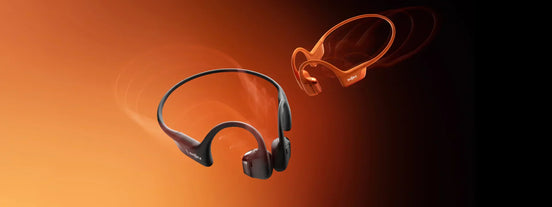
Some headphones don’t fight with you every time you connect them. Shokz earbuds, as open-ear models, tend to be easier because they don’t juggle complicated pressure sensors, in-ear detection, or ANC calibration. Below are two models built for people who want effortless pairing and stable audio.
OpenRun Pro 2
OpenRun Pro 2 is built for people who love outdoor activities. The open-ear design keeps you aware of traffic and conversations, and pairing is straightforward. Turn it on, wait a few seconds for pairing, and you’re basically done. Best for cyclists, runners, outdoor exercisers, and anyone who wants dependable audio without blocking the world out.

Key Features
DualPitch™ Processing: This tuning helps clean up vibration and brings out mid-range detail, which stops the sound from feeling buzzy or thin.
Stay-Put Fit: The band sits securely and doesn’t slide around when you’re sweating, riding, or hopping curbs.
Extended Battery Life: With 12 hours of playtime, these long battery life earbuds let you get through a long workout, commute, and still have charge left for calls later.
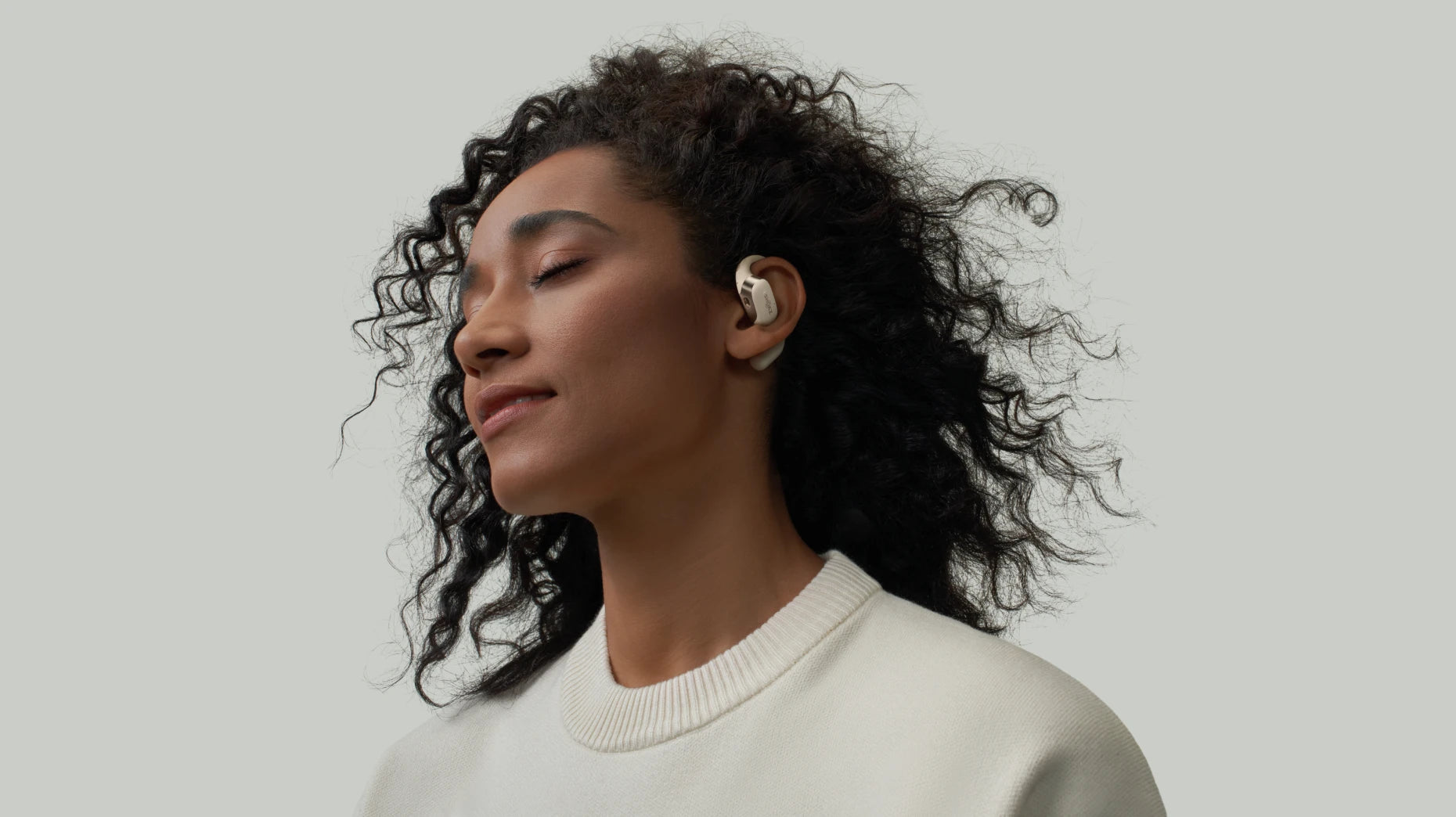
OpenFit 2+
OpenFit 2+ uses soft hooks and directional speakers so you don’t jam anything into your ear. The pairing is reliable and fast, even if you switch between laptop and phone a dozen times a day. Ideal for remote workers, frequent callers, commuters, and multitaskers who jump between activities and devices.

Key Features
Dolby Audio Enhancement: This tuning gives clearer vocals and more texture, so speech doesn’t disappear under background sound.
Physical Button Controls: Instead of swipe gestures, you get firm buttons that respond consistently, even when you’re moving or your hands are damp.
Bluetooth 5.4 Stability: Faster pairing and fewer random dropouts, which is useful if you constantly bounce between phone, laptop, and meetings.
Long Battery Support: Enough total playtime that you can realistically use them all day without plugging in between tasks.
FAQ
Will resetting the earbuds erase all the settings?
A reset usually erases Bluetooth pairing info and sometimes EQ presets, especially if they’re stored directly on the earbuds. Personal settings inside companion apps might stay unchanged, so you won’t necessarily lose every preference, just the data tied to the earbuds’ internal memory.
Is it normal for earbuds to reset themselves?
Occasional resets during firmware updates are normal, especially when brands push bug fixes or introduce new features. Frequent resets, however, might signal outdated software, a failing battery, or corrupted firmware that needs attention before long-term damage happens.
How often should I reset my wireless earbuds?
There’s no actual schedule. Reset them only when problems show up. Otherwise you’re solving a problem you don’t have. Some users go months without resetting, while others do it after big system updates or switching between devices frequently.
Can resetting my earbuds improve the sound quality?
Sometimes, especially if audio imbalance, distortion, or random volume shifts came from software, not hardware failure. A reset forces both earbuds to re-sync, which can fix issues that didn’t respond to cleaning or EQ adjustments.
How to factory reset earbuds?
Most brands use a long button hold combined with forgetting the device on your phone, which wipes old connection data. Some models require repeating the steps twice or holding multiple buttons at the same time to trigger a deeper reset, depending on the brand’s design.
Conclusion
Understanding how to reset earbuds is basically knowing how to reboot the tiny computer inside them when they start misbehaving. Most problems, distortions, dropouts, and charging errors come from broken settings, not broken hardware. Resetting forces a clean start, and pairing afterward keeps problems from resurfacing. If you’ve reset your earbuds ten times and they still act possessed, it may not be you. Some headphones just fight you. In those cases, switching to gear built for stable pairing and low fuss, like OpenRun Pro 2 or OpenFit 2+, is a whole lot easier than troubleshooting forever. Good audio gear should work, stay connected, and disappear into the background while you get on with your life.
Author Information

guides on Shokz
Related Posts