Why Do My Headphones Sound Muffled: Causes, Problems, and Easy Fixes
Your headphones sounded fine yesterday. Today, they don’t. Music feels flat. Voices sound buried. You turn the volume up and nothing really changes. That’s when people start asking why do my headphones sound muffled. It’s annoying because it feels random. However, most of the time, it didn’t. The cause is usually simple: settings, buildup, moisture, or a bad connection. This article walks through the common reasons and shows what to check first, so you don’t waste money replacing headphones that are probably still fine.
Common Causes of Muffled Wireless Headphone Sound
Wireless audio is convenient, but the whole system is more sensitive than people expect. Once you start noticing the common causes, it becomes easier to understand why these muffled moments happen.
1. Audio Settings Misconfiguration
A surprising amount of audio trouble comes from small setting changes. One moment, everything is crisp; the next, some hidden toggle switches the output to mono or switches EQ profiles. It happens on phones, laptops, and smart TVs; software that tries to “optimize” audio can accidentally turn it muddy. When someone wonders why do my headphones sound muffled, this is often one of the first places to look.
2. Unstable Bluetooth Connectivity
Bluetooth feels smooth when it works and quirky when it doesn’t. A weak signal can cause compressed audio, and the human ear tends to perceive compression as muffling. This happens as soon as they step into another room; also, it happens in crowded places where many Bluetooth devices compete for bandwidth.
3. Physical Damage or Blockages
When sound starts dulling, the usual suspects are dust, lint, oils from skin, or worn-out ear pads. Earbuds tend to collect debris in the mesh, which can noticeably soften audio. Even minor dents or weakened speaker covers affect airflow, reducing clarity. For a safer alternative, bone conduction headphones are safe for hearing and deliver clear sound without putting pressure on the eardrum.
4. Earwax Buildup
Earwax is one of the most common and least discussed issues. Earwax absorbs high frequencies more than low ones, which creates that underwater or muffled effect. Many people clean their ears regularly but forget that earbuds push slightly deeper and collect residue at the nozzle. When someone asks why do my earbuds sound muffled, this is usually the winning explanation.
5. Moisture or Sweat Damage
Even sweat-resistant headphones have limits. After long workouts, drivers may soften temporarily from moisture. Humid climates can do the same. A simple walk in the rain can leave earbuds sounding strangely distant. Moisture can interfere with diaphragm movement, and until the components dry fully, the sound won’t return to normal.
6. Low Bitrate Audio or Streaming Quality
Not every muffled-sound issue comes from the headphones themselves. Many apps adjust streaming quality based on network conditions, lowering the bitrate when the connection weakens. Low-bitrate audio removes detail first, then sharpness, which humans often interpret as muffling. Songs that once felt layered lose their character. Podcasts become fuzzy.
Wireless Headphone Troubleshooting and How to Fix
There’s no universal rule for troubleshooting, but when audio gets muddy, most issues can be traced through a few simple checks. These steps are especially useful for a wireless headphone, where factors like battery, connectivity, or debris can subtly impact sound clarity.
Wireless Headphone Troubleshooting
1. Check Volume and Audio Settings
Many audio issues stem from simple misconfigurations: a device switching EQ modes, enabling mono, or applying a special sound filter. Audio software changes frequently through updates, and some default settings shift without users ever noticing. Verifying these settings takes only a moment but often reveals hidden toggles that affect clarity.
2. Inspect Battery Levels
Headphones running on low battery may process audio differently, prioritizing power over quality. Some models reduce codec efficiency to extend runtime, so the sound grows dull even though everything seems “technically connected.”
3. Examine Physical Damage
A quick visual inspection can reveal collapsed mesh, ear pads that don’t seal properly, or loose components. Even if the headphones look fine from a distance, closer inspection sometimes reveals issues that develop gradually.
How to Fix Muffled Headphones
1. Clean Ear Tips and Ear Pads
Cleaning is the single most effective fix for muffled earbuds. Removing silicone tips, brushing the mesh gently, and wiping ear pads often restore clarity immediately. Users are frequently surprised by how much debris collects over time, which is why proper storing and maintaining your wireless earbuds is just as important as regular cleaning.
2. Adjust Streaming Quality Settings
Music apps downgrade audio quality in the background more often than people realize. Restoring high-quality streaming can make the sound crisp again without touching the headphones.
3. Fine-Tune Equalizer Settings on Device
Some EQ profiles push bass too aggressively, drowning out mids and highs. Resetting the EQ to neutral or adjusting individual frequencies can rebalance the entire listening experience.
4. Reconnect and Reset Wireless Headphones
A fresh Bluetooth pairing solves codec mismatches and minor software bugs. If the muffling persists, a factory reset clears deeper issues and restores the device to its default behavior.
5. Update Audio Drivers or Device Software
Firmware updates often include audio improvements. Many users notice that their sound issues disappear after updating, even if the release notes never mention audio.
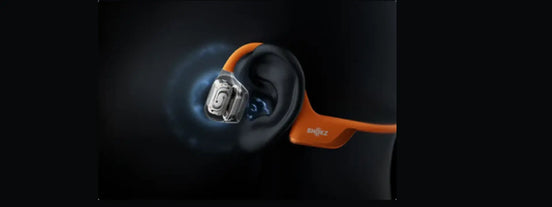
If cleaning, resetting, or adjusting settings doesn’t solve the muffled sound, upgrading may be the next logical step. Some headphones simply age out of their original clarity. Wireless models used heavily for workouts tend to degrade faster, especially when moisture plays a role. For users seeking a cleaner, more open sound experience, an open-ear style like OpenRun Pro 2 often becomes a practical upgrade.
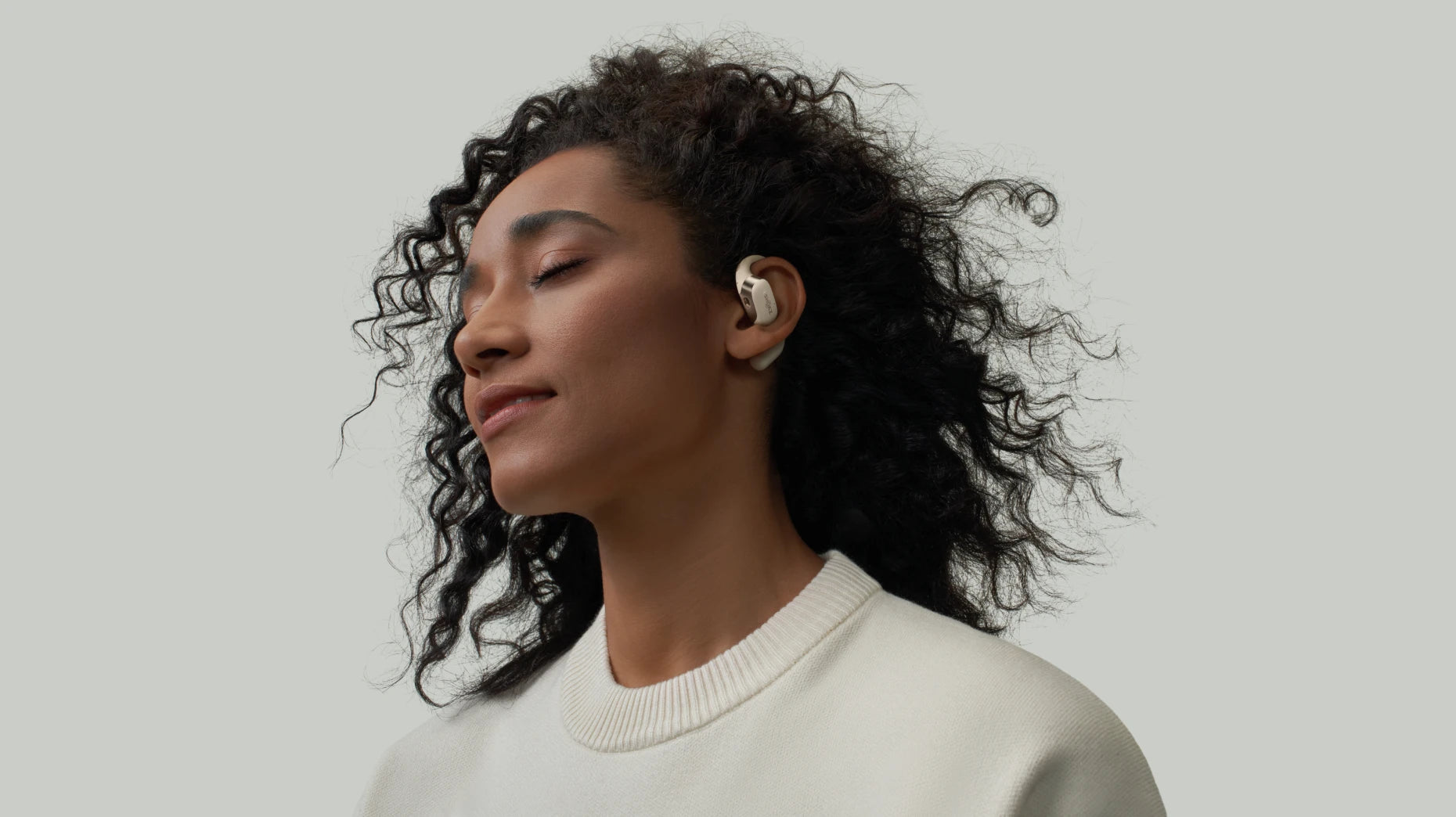
OpenRun Pro 2 takes a different approach to sound, focusing on an open-ear design that avoids many problems associated with traditional sealed earbuds. Instead of blocking the ear canal, the headphones sit comfortably outside it, which naturally reduces issues like wax buildup, moisture trapping, and muffling. This design appeals to users who want to hear their surroundings while still enjoying clear audio.

-
Sweat and Moisture Resistance: Built for movement, the open-ear design handles sweat better than in-ear tips. It helps prevent the “muffled after a workout” problem.
-
Long Battery Life with Fast Charging: The battery lasts through daily use without constant charging. A short charge adds enough power to keep going.
-
Lightweight Comfort for Daily Wear: The frame sits outside the ear, reducing heat and pressure. It stays comfortable during long listening sessions.
How Muffled Sound Impacts Your Listening Experience
When sound becomes muffled, the details fade, and the listening experience loses its depth and clarity.
Reduce Musical Enjoyment
Muffled sound strips away the energy and detail that music relies on. High notes lose sparkle; instruments blur together; layered tracks flatten.
Hinder Communication
On calls or voice chats, muffled audio makes it harder to distinguish words or emotional tones. Miscommunication becomes common.
Cause Listening Fatigue
When the brain struggles to compensate for unclear sound, fatigue sets in faster. Listeners may find themselves needing breaks sooner than usual.
Diminish the Value of Your Audio Gear
Even high-end headphones can sound disappointing when muffled, leading people to question whether their investment was worthwhile.
FAQ
Can earwax buildup really affect sound quality?
Yes. Earwax blocks sound over time. When the holes get covered, audio loses detail and starts to sound flat or muted.
Why do my earbuds sound like they’re underwater?
Usually moisture or dirt is the cause. Sweat or dust can cling to the mesh and muffle everything, especially voices, which is why keeping open earbuds clean is essential for maintaining their clear, open-ear sound.
Can moisture or water cause muffled sound?
Yes. Even light moisture can soften sound right away. Sometimes it clears after drying, but sometimes the change lingers.
Do headphones lose volume over time?
Yes. Parts wear out slowly with daily use. Pads flatten, mesh clogs, and volume drops bit by bit without you noticing.
Conclusion
Most people end up asking why do my headphones sound muffled only after something ruins their mood. It’s usually not serious. Wax builds up. Sweat sneaks in. A setting gets changed without noticing. That’s why people search why do my earbuds sound muffled thinking something broke. If cleaning doesn’t help, some just switch to open-ear headphones to avoid the issue altogether. Fewer blockages, fewer surprises. Most of the time, it’s just small stuff adding up.
Author Information

guides on Shokz
Related Posts